Streaming latency: what it is and why it matters
Date added: 3/08/2026
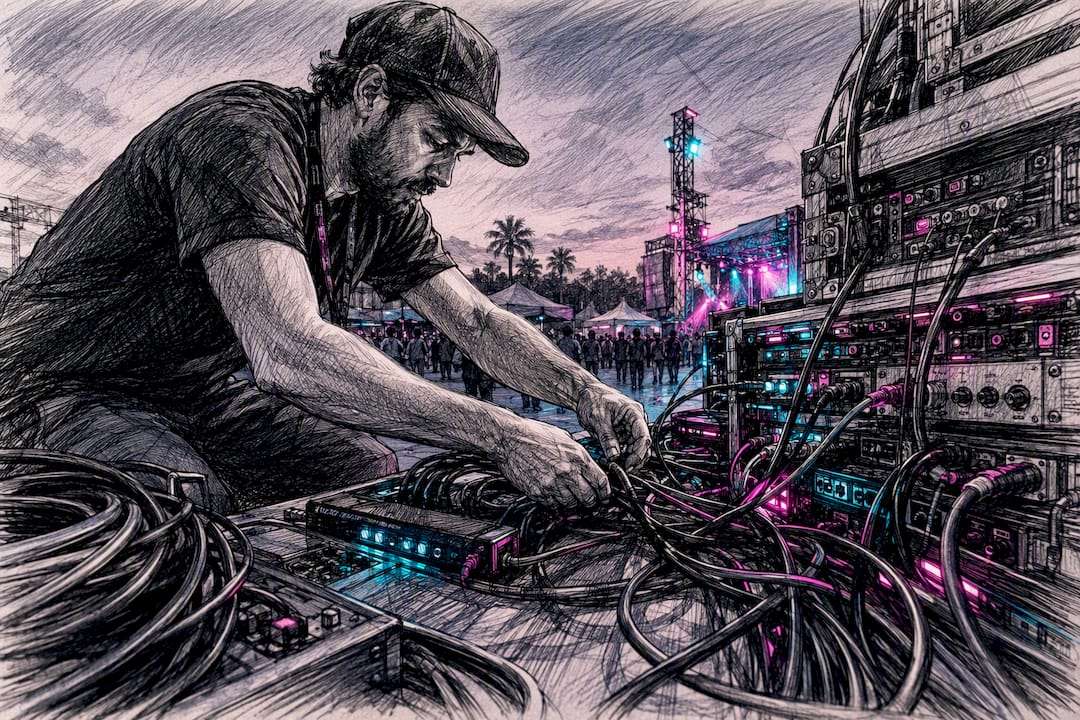
Streaming latency is the time between a moment happening in front of a camera and that same moment appearing on a viewer’s screen, measured glass-to-glass. Firefly AV is an AV hire and event production company based in Leeds and Preston, working across the UK on live streams for conferences, awards nights and eSports events, and latency is one of the first numbers we agree with a client before any kit goes on a truck.
Four things add most of the delay:
- Capture and encoding at the camera or switcher
- Chunking and packaging into segments for delivery
- Transit across the CDN to the viewer’s region
- Buffering inside the viewer’s player
Typical figures range from under a second for interactive formats to multiple seconds for standard broadcast-style delivery. The rest of this piece works through the categories, where each second gets added, which protocols change the outcome, and what to actually do about it on site.
Key Takeaways
Streaming latency is determined by the weakest stage in the capture-to-player chain, and fixing a numeric budget before an event beats chasing the lowest possible figure afterwards.
| Point | Details |
|---|---|
| Define your category first | Match your target to ultra-low (under 1s), low live (2 to 8s) or non-low live before choosing kit. |
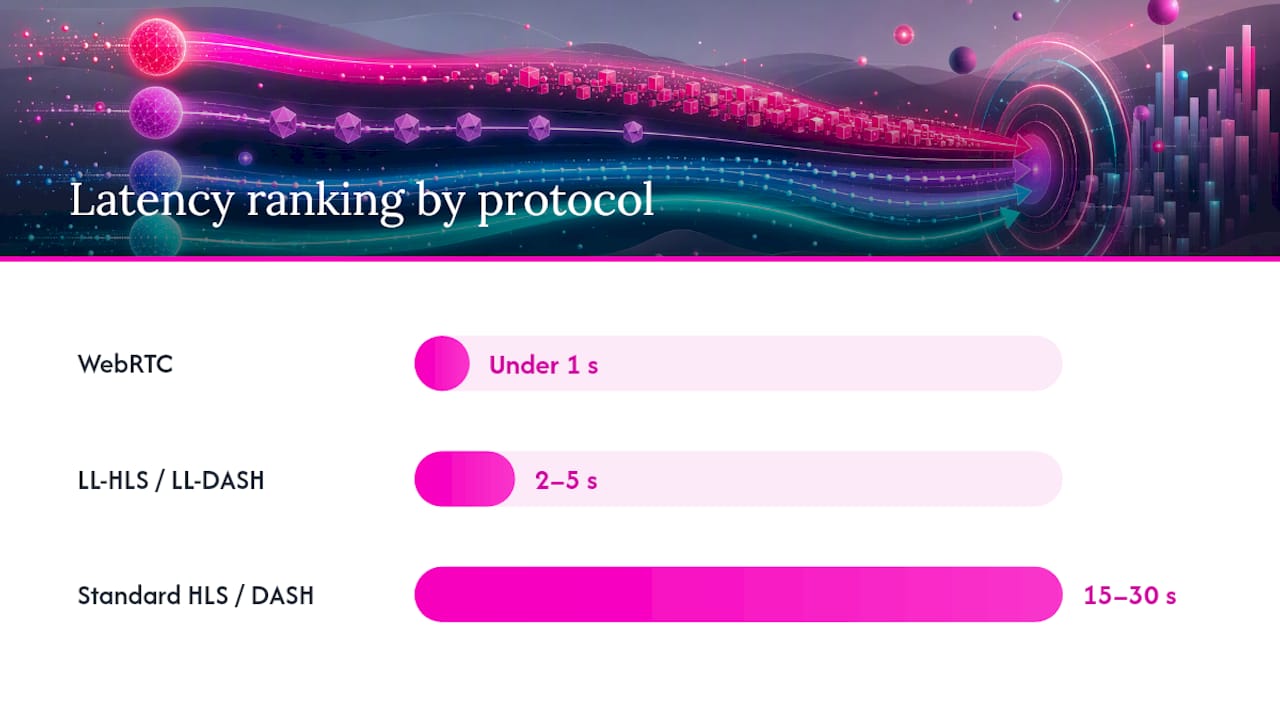
| Protocol sets the floor | WebRTC enables sub-second delivery; LL-HLS and LL-DASH typically reach 2 to 5 seconds at scale. |
| Wired ingest reduces risk | Venue Wi-Fi is the most common source of unexpected lag, even with correctly configured upstream kit. |
| Buffer size is a trade-off | Smaller player buffers cut latency but raise rebuffer risk on congested networks. |
| Firefly AV builds to your budget | Firefly AV configures ingest, encoding and CDN delivery around an agreed latency target for UK events. |
Table of Contents
- What is streaming latency in technical terms?
- What counts as low latency versus ultra-low latency?
- Where does latency actually get added in the pipeline?
- Which protocols and formats affect streaming delay?
- Which events actually need low latency?
- How do you reduce streaming latency in practice?
- How do you measure and diagnose latency problems?
- What kit and rates does Firefly AV use for low-latency streams?
- What should organisers prioritise when latency matters?
- How Firefly AV helps you hit your latency target
- Sources
- FAQ
What is streaming latency in technical terms?
Engineers call the full measurement “glass-to-glass” latency: the delay from the camera lens (the glass) to the viewer’s screen (also glass). It’s distinct from network latency, which only measures how long a data packet takes to travel between two points, and from protocol latency, which is the delay a specific transport method like RTMP or SRT adds on its own. Glass-to-glass is the number that actually matters to a viewer watching a goal go in three seconds after the crowd noise on Twitter.
The full chain runs: camera → encoder → ingest → packager → CDN → player. Each stage adds its own delay, and they stack.
- Capture and encode: converting raw video into a compressed stream
- Ingest: getting that stream to your provider’s servers
- Packaging: chopping it into segments or chunks for delivery
- CDN distribution: pushing those segments to edge servers near viewers
- Player buffer: the viewer’s device holding a few seconds in reserve to smooth out network hiccups
Measuring it properly means either syncing timestamps across the chain or, more practically, pointing a camera at a stopwatch, streaming that image, and comparing the time on screen with the time in the player. Clock synchronisation across separate devices is notoriously fiddly, which is why the visual timer method remains the field standard even with NTP or PTP available.
What counts as low latency versus ultra-low latency?
The industry splits latency into bands rather than treating it as one sliding number, and RFC 9317 sets out the categories most vendors now use: ultra-low latency at under one second, low-latency live under ten seconds, non-low live from ten seconds to a few minutes, and on-demand content measured in hours.
Statistic snapshot: WebRTC-based delivery typically holds under one second. LL-HLS and LL-DASH commonly reach 2 to 5 seconds at scale, while conventional HLS or DASH without low-latency extensions often result in significantly higher latency. Traditional broadcast delay, the reason terrestrial TV often lags a phone stream by 30 seconds or more, comes from a combination of large buffers and multi-hop satellite or fibre distribution chosen for reliability over speed.
None of these numbers is free. Shorter segments and smaller buffers cut latency but raise the risk of stuttering the moment a Wi-Fi connection wobbles, and they usually cost more in CDN and engineering complexity to run reliably. A CDN Alliance Low-Latency Working Group whitepaper notes the term “low latency” gets used loosely across the industry, which is exactly why picking a numeric target matters more than picking a label.
Where does latency actually get added in the pipeline?
Every stage in the chain contributes something, and knowing the rough split tells you where to spend your engineering budget.
- Camera and production switcher: minimal on its own, but adds up with multi-camera mixing
- Encoder: shaped heavily by GOP length, B-frames and preset choice
- Contribution transport: the link carrying your feed to the ingest point
- Packager: how segments and manifests get built
- Origin and CDN: distribution to viewers, often the largest variable
- Player buffer: the viewer-side safety margin against jitter
Encoder settings matter more than most organisers expect. A long GOP (group of pictures) and heavy use of B-frames improve compression efficiency but force the encoder to hold frames back before output, adding real delay. Shorter segments and chunked CMAF delivery cut that segment-duration lag, though at the cost of more frequent manifest updates and higher overhead on the CDN side.
Network variability is often the bigger villain. Jitter, packet loss and bufferbloat on congested Wi-Fi can undo a perfectly tuned encoder chain in seconds, and venue network conditions are a common root cause that upstream configuration can’t fix.
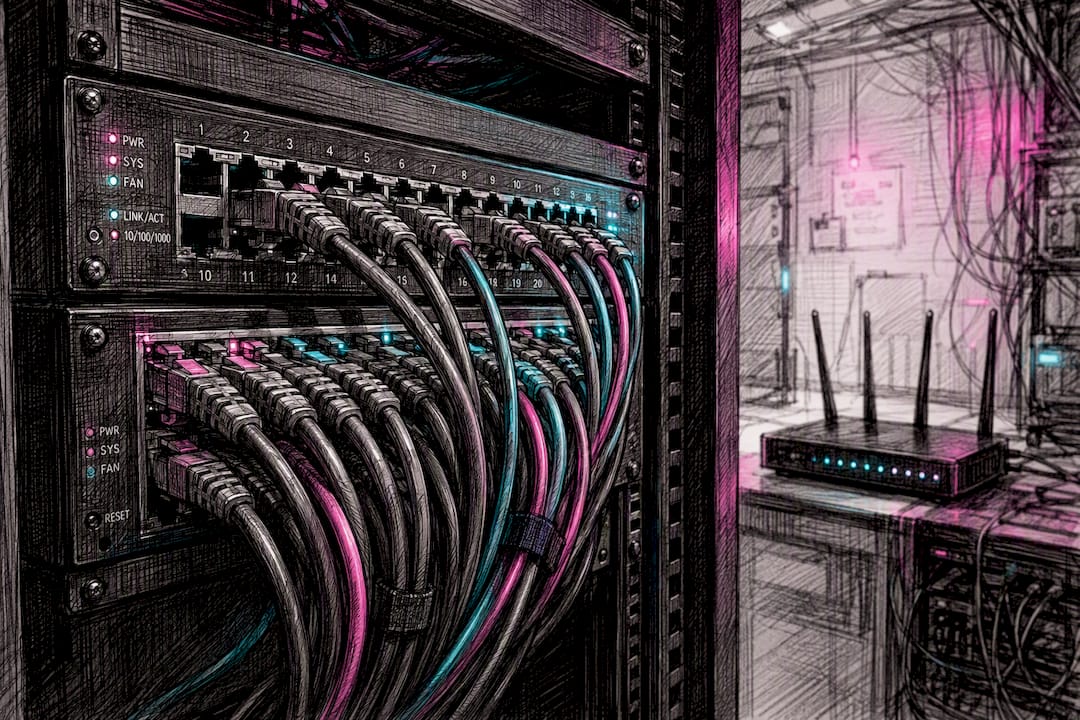
Pro Tip: Prioritise wired primary ingest wherever the venue allows it, and keep your contribution link geographically close to your ingest point. A hotel’s guest Wi-Fi thirty metres from the access point is not a contribution network.
Which protocols and formats affect streaming delay?
Your choice of transport protocol sets a hard floor on how low you can push latency, regardless of how well everything else is tuned.
WebRTC delivers sub-second latency and suits small, highly interactive audiences, but it doesn’t scale to large crowds without significant infrastructure. SRT is built for reliable contribution over unpredictable networks, commonly used to get a feed from venue to ingest point rather than to viewers directly. LL-HLS and LL-DASH extend the standard HTTP-based formats with shorter chunks and partial segment delivery, landing most implementations in the 2 to 5 second range at scale. Standard HLS and DASH, still the workhorses for on-demand and non-interactive live content, sit at 15 to 30 seconds unless specifically tuned. CMAF (Common Media Application Format) underpins most low-latency HLS and DASH deployments by allowing chunked transfer encoding rather than waiting for a full segment to complete.
CDN behaviour matters as much as the protocol itself; understanding a global CDN for performance and security is key when selecting infrastructure for low-latency events. A CDN with poor origin push support will bottleneck even a well-configured LL-HLS stream, so ask any provider specifically how they handle low-latency chunk delivery before committing.
| Approach | Target latency | Suitable use cases | Cost and complexity | Quality trade-offs |
|---|---|---|---|---|
| WebRTC | Under 1 second | Interactive chat, auctions, remote control | High complexity, limited scale | Lower ABR flexibility, resolution capped for stability |
| LL-HLS / LL-DASH | 2 to 5 seconds | Live sport, awards shows, corporate broadcast | Moderate, needs tuned CDN | Good ABR flexibility, minor rebuffer risk |
| Standard HLS / DASH | 15 to 30 seconds | Conferences, webinars, VOD | Low complexity, widely supported | Best ABR range, highest reliability |
Which events actually need low latency?
Not every stream needs to chase the lowest possible number, and treating latency as always-minimise wastes budget on events where nobody notices an extra five seconds.
- Ultra-low or WebRTC territory: remote auctions, betting platforms, interactive gaming, remote equipment control
- Low live, roughly 2 to 8 seconds: live sport broadcasts, awards ceremonies, live Q&A sessions where social media runs alongside the stream
- Non-low live or VOD: conference keynotes, lectures, panel discussions, most on-demand content
Miss the target and the consequences are specific to the format. A betting platform running ten seconds behind live odds creates a real financial exposure. A sports broadcast running behind social media spoils the result before it airs. A conference keynote running eight seconds behind, by contrast, is invisible to almost everyone watching.
How do you reduce streaming latency in practice?
Start by setting a latency budget before you touch any settings, then allocate that budget across camera, encoder, transport, packager, CDN and player. Chasing a number without a plan for where it comes from is how teams end up over-engineering the wrong stage.
- Choose your protocol deliberately: SRT or WHIP for contribution, WebRTC only for small interactive audiences, LL-HLS or LL-DASH for wider distribution
- Shorten segments and chunks, targeting partial segments around 500 milliseconds where your packager supports it
- Tune the encoder: disable B-frames, use a short GOP of around one second
- Use wired ingest wherever the venue allows it
- Choose a CDN edge close to your audience, or run multi-CDN for large or geographically spread audiences
- Tune player buffer and ABR (adaptive bitrate) ladder settings rather than leaving platform defaults in place
- Test at realistic scale before the event, not just on a desk in the office
Instrumented testing catches problems a checklist alone won’t. Run a local loopback test timing encoder output alone, then a full remote glass-to-glass test with timestamp overlay, then check CDN edge response separately from the player. Industry guidance consistently points to fixing a latency budget up front; teams that skip this step tend to drift toward much higher latency than they intended without noticing where it crept in.
| Configuration lever | Typical setting | Latency headroom gained |
|---|---|---|
| GOP length | 1 second, no B-frames | Reduces encoder buffering delay |
| Segment/chunk size | 500ms partial segments | Cuts packaging delay significantly |
| Player buffer | Tuned to venue network, not default | Balances latency against rebuffer risk |
| Ingest connection | Wired, not Wi-Fi | Removes most jitter-related spikes |
Pro Tip: For most UK corporate venues, don’t chase sub-second delivery if the format doesn’t demand it. A well-tuned 3 to 8 second target using LL-HLS is far more reliable on typical exhibition hall Wi-Fi than pushing for WebRTC and finding out on the day that the venue network can’t sustain it.
How do you measure and diagnose latency problems?
The visual timer method remains the most practical: point a camera at an on-screen stopwatch, stream it through your full production chain, and compare the time shown in the shot with the time shown in the player. It sidesteps the clock synchronisation headaches that NTP or PTP-based timestamp methods introduce across separate devices.
Work through the chain in stages rather than testing end to end and guessing:
- Measure encoder output time alone, isolating capture and compression
- Measure transit time from contribution device to ingest point
- Measure packager-to-edge time across your CDN
- Measure player decode and buffer time on the viewer’s device
Tools like ffmpeg timestamp logging, packet captures at each network hop, and simple on-screen timers each isolate a different stage, so run them in sequence rather than all at once.
Pro Tip: Always test from the actual venue network, not the office. Exhibition halls and corporate Wi-Fi behave nothing like a wired studio connection, and player buffering is frequently the largest single contributor to total latency once you’re on a congested network.
What kit and rates does Firefly AV use for low-latency streams?
Firefly AV runs live streaming and hybrid production from bases in Leeds and Preston, working UK-wide on conferences, awards nights, exhibitions and eSports events where latency targets get written into the brief before the first camera is rigged.
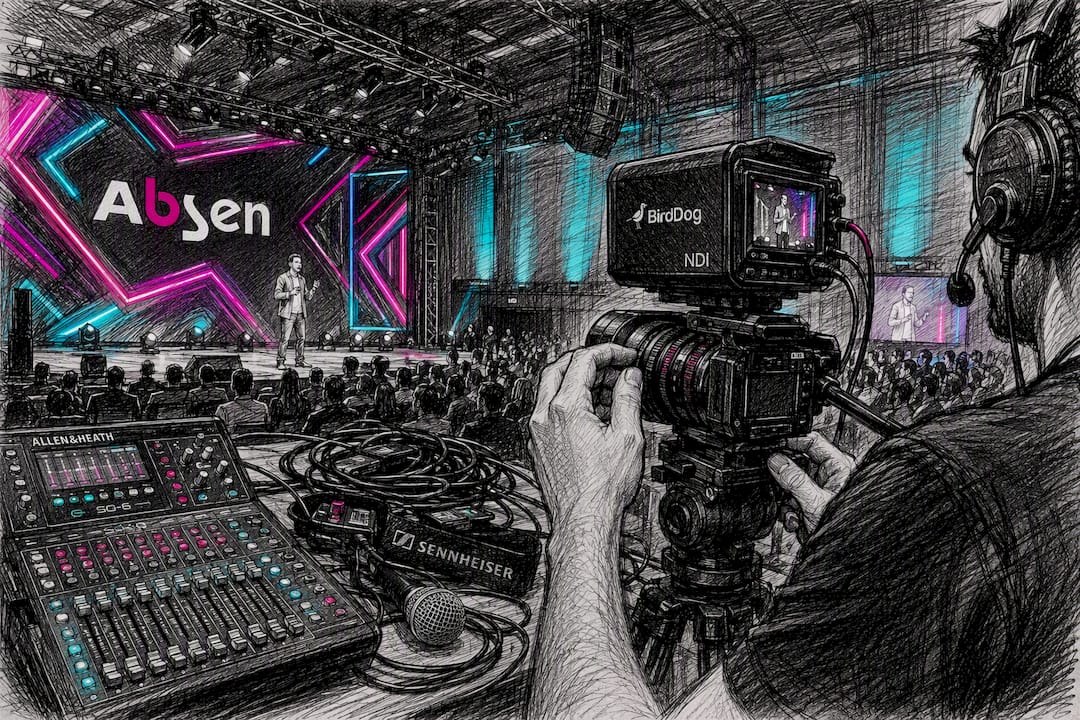
For contribution and switching, we use the Vmix 4K media server alongside Blackmagic Web Presenter units for encode and format conversion. Vision runs on Absen LED wall panels and Panasonic projectors, audio on Sennheiser microphones through Allen & Heath consoles and out via DB Technologies speakers, with Birddog cameras handling NDI-based multi-camera capture. Staging uses Lite Deck systems for quick rigging in venues with tight load-in windows.
Indicative day rates, as a planning guide rather than a quote: technician day rates typically run £250 to £450, OB encoder packages from £350 to £1,200 depending on redundancy and channel count, and LED wall hire from £700 to £2,500 a day depending on panel size and resolution.
Pro Tip: Build in a cellular SRT backup alongside wired primary ingest for any UK venue where the building’s fixed connection is unproven. It’s cheap insurance against a single point of failure taking your stream down mid-event.
What should organisers prioritise when latency matters?
Chasing the lowest possible number is the wrong first question. Set a realistic latency budget, then build failover around it, because a stream that stays up at 6 seconds beats one that drops entirely trying to hold 1 second.
Insist on wired ingest, on-site control over encoder settings, and a CDN edge close to your audience. Put latency targets and reliability expectations into supplier contracts as SLAs, not verbal assumptions. For most UK corporate events, a 3 to 8 second target strikes the right balance between viewer experience and a stream that survives an unpredictable exhibition hall network.
How Firefly AV helps you hit your latency target
Firefly AV is the practical route to a low-latency stream when you’d rather not assemble contribution engineering, encoder tuning and CDN coordination yourself from scratch. We handle ingest engineering, encoder packages, LL-HLS and LL-DASH packaging, multi-CDN coordination where an audience is spread across regions, and on-site technicians who can adjust settings live rather than leaving you locked into whatever was configured the day before.
If you’re planning a stream where the delay matters, whether that’s a live auction, an awards ceremony or a hybrid conference with a remote audience watching alongside the room, start with our audio visual equipment explained for event planners guide to see what a properly specified setup looks like, then get in touch through our equipment hire page to request a quote against your latency budget and venue.
Sources
For deeper technical detail, consult RFC 9317 for formal latency category definitions, the CDN Alliance Low-Latency Working Group whitepaper for terminology and standardisation efforts, Mux’s low-latency guide for implementation benchmarks, and YouTube’s live latency help page for consumer-facing streamer settings. Always check your specific packager and CDN documentation before implementing LL-HLS or LL-DASH, since defaults vary considerably between providers.
- RFC 9317: Operational considerations for streaming media
- Live ingest and low‑latency packaging architecture (MpegFlow)
- What causes video streaming delay and how to fix it? (Red5)
- What is video latency? Causes, types and how to reduce it (LiveAPI)
FAQ
What is a good latency for streaming?
For interactive formats, under 1 second via WebRTC is the benchmark; for most live broadcast and corporate events, 2 to 8 seconds using LL-HLS or LL-DASH balances viewer experience against reliability.
How do I fix latency when streaming?
Start by fixing a latency budget, then work through wired ingest, shorter encoder GOP settings, smaller chunk sizes, a nearby CDN edge and tuned player buffer settings, testing each stage separately rather than guessing at the whole chain.
Is 40 milliseconds of latency bad?
No. Forty milliseconds is well within network latency territory, not glass-to-glass streaming latency, and is imperceptible for almost any live video application.
Why is there a 30 second delay on live TV?
Traditional broadcast delay comes from large buffers and multi-hop distribution chains, often satellite or fibre relays, chosen to prioritise reliability and smooth playback over speed, unlike low-latency internet streaming protocols.
Can Firefly AV help reduce latency for my event?
Yes. Firefly AV configures ingest, encoding and CDN delivery for UK conferences, awards nights and hybrid events, setting a latency target with the client before choosing kit and protocol.