"
An AV technician day rate in the UK is the daily hire fee a supplier charges for an onsite engineer, typically within a range that varies by role and expertise, with generalist technicians at the lower end and specialist roles such as commissioning engineers at the higher end. We supply AV hire and event production across the UK, including technicians at day rates matched to the kit and complexity of your event.
TL;DR:
- General technicians typically cost £150 to £250 daily, while sound, lighting, and video specialists range from £180 to £380; commissioning engineers sit higher.
- Request separate charges for travel, overtime, standby, and specialist equipment; short bookings may still incur a half day or full day minimum.
- Add a 15% to 20% labour contingency for evening or weekend events, and book four to six weeks ahead of peak season.
- Temporary event power requires a named Senior Person Responsible under BS 7909, while HSE guidance requires competent electrical contractors for electrical work and generator installation.
- Use day rates for unpredictable event days, hourly billing for defined jobs under half a day, and fixed project pricing for scoped multi day bookings.
Table of Contents
- What do UK day rates look like by technician role?
- What does a day rate include, and what counts as an extra?
- What pushes day rates up, and how should you budget for it?
- What safety standards affect staffing and cost?
- What do sample event budgets actually look like?
- What should you ask before booking a technician or supplier?
- How long does a technician’s day actually run?
- Day rate, hourly rate or fixed project price: which suits your event?
- What contract terms and cancellation policies should you expect?
- How we think about technician pricing at Firefly AV
- How do you book a technician through Firefly AV?
- FAQ
- Sources
What do UK day rates look like by technician role?
Day rates vary by role because the skills, risk and certification requirements differ sharply between a general crew hand and a specialist running show control.
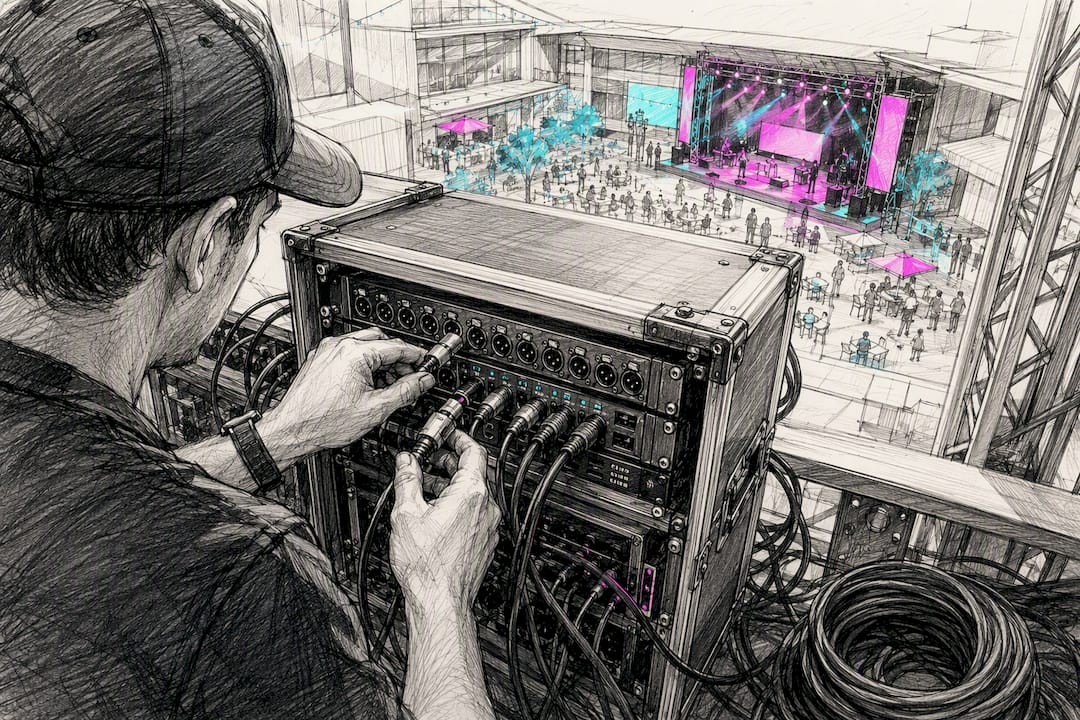
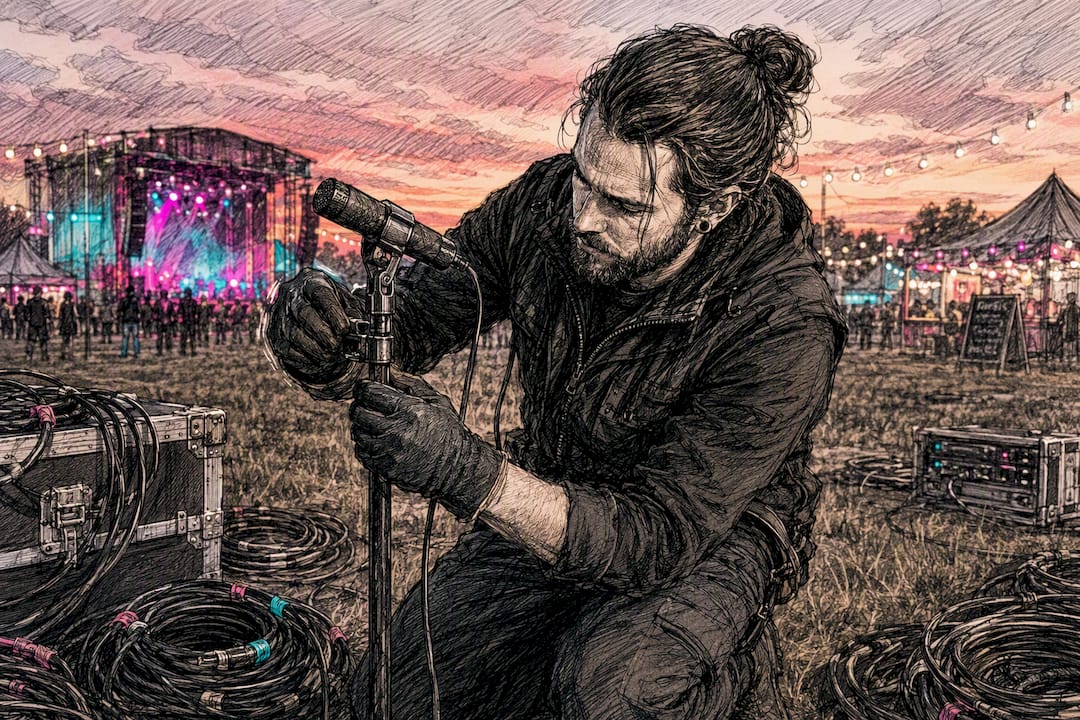
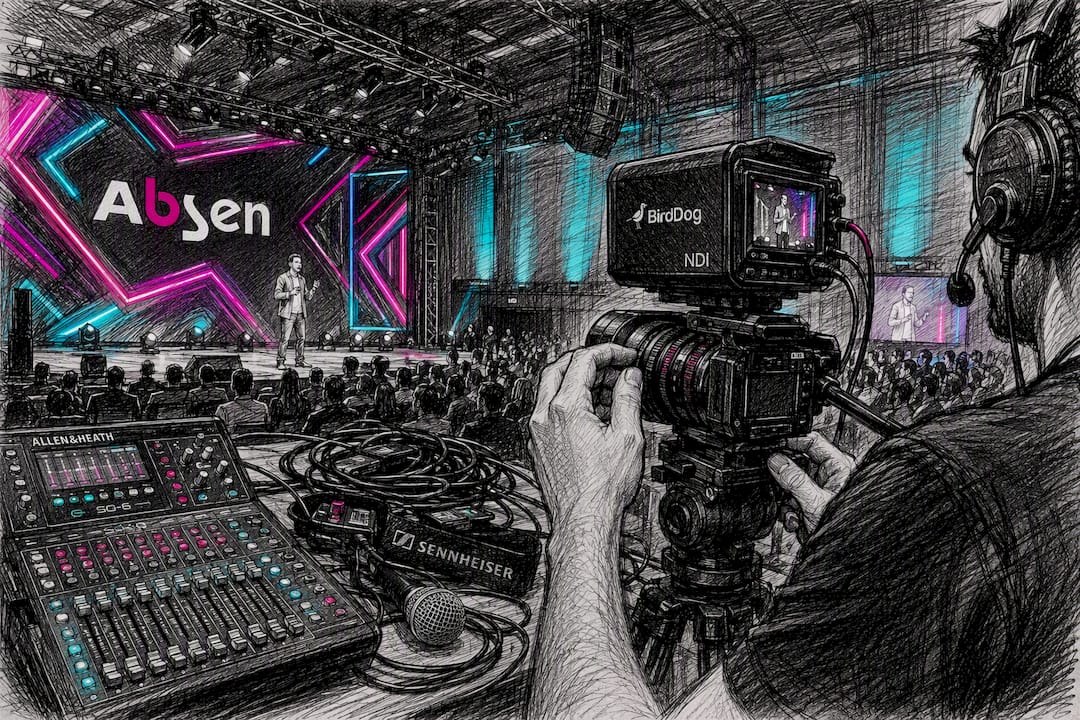
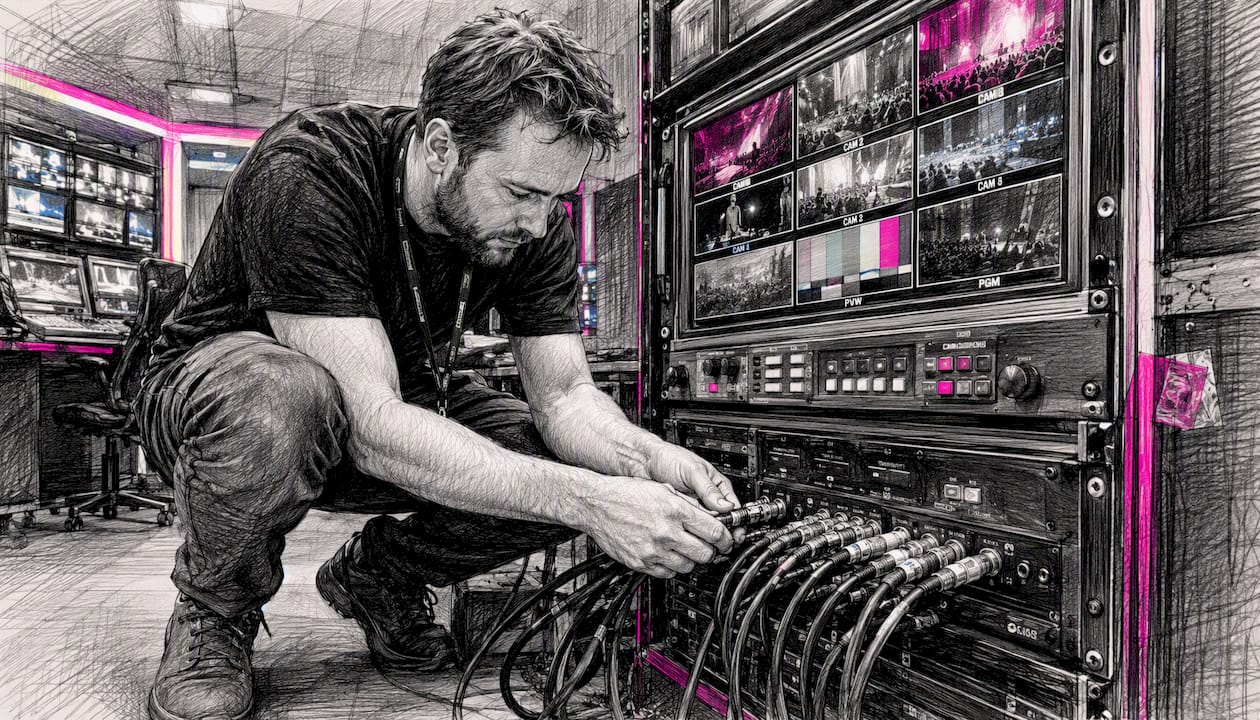
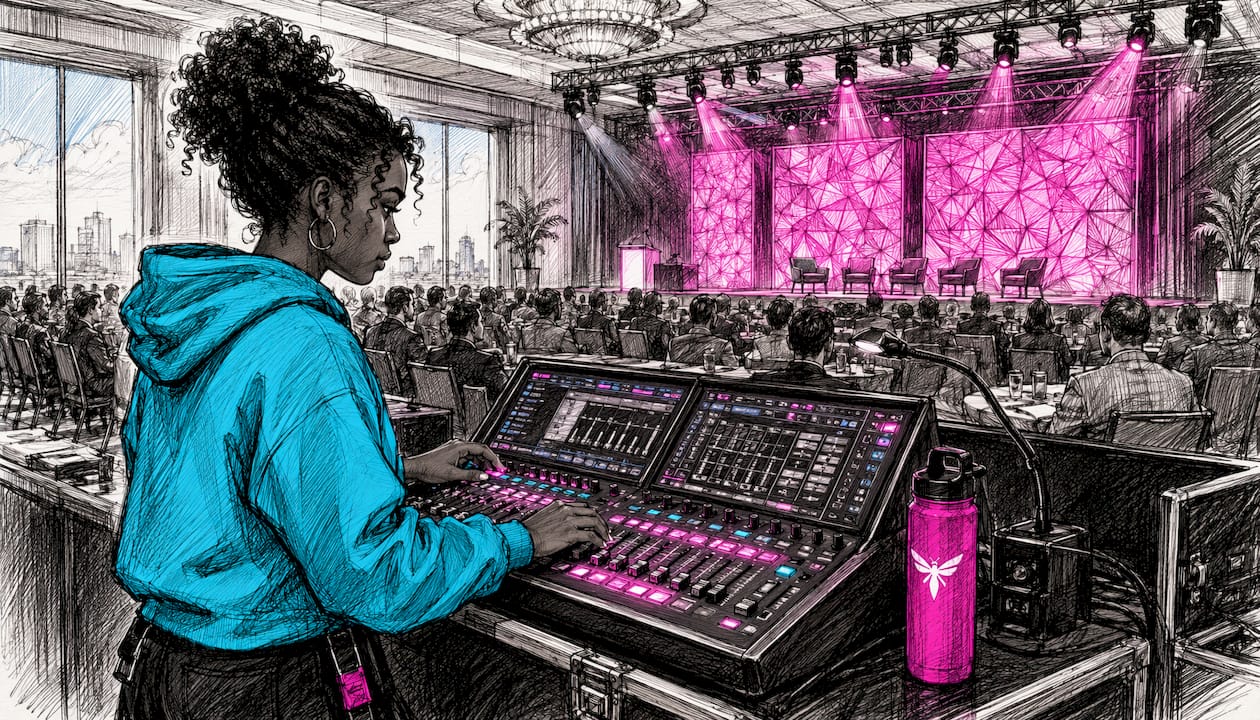
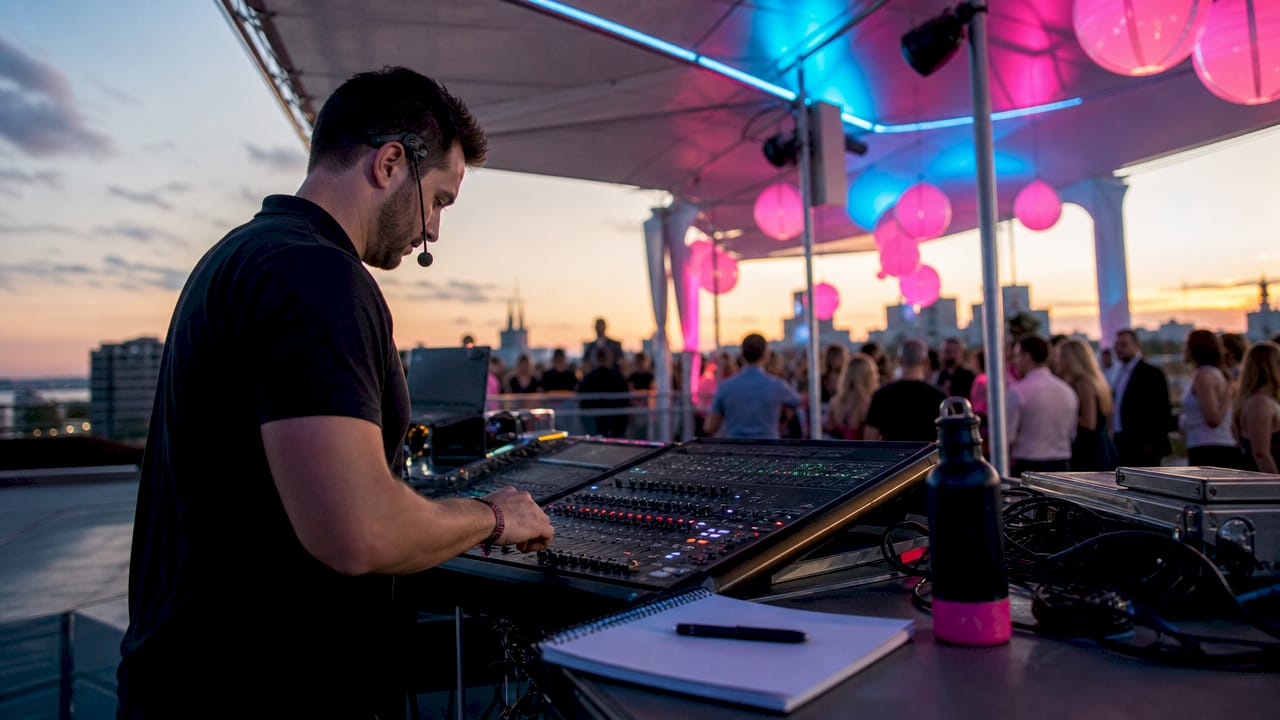
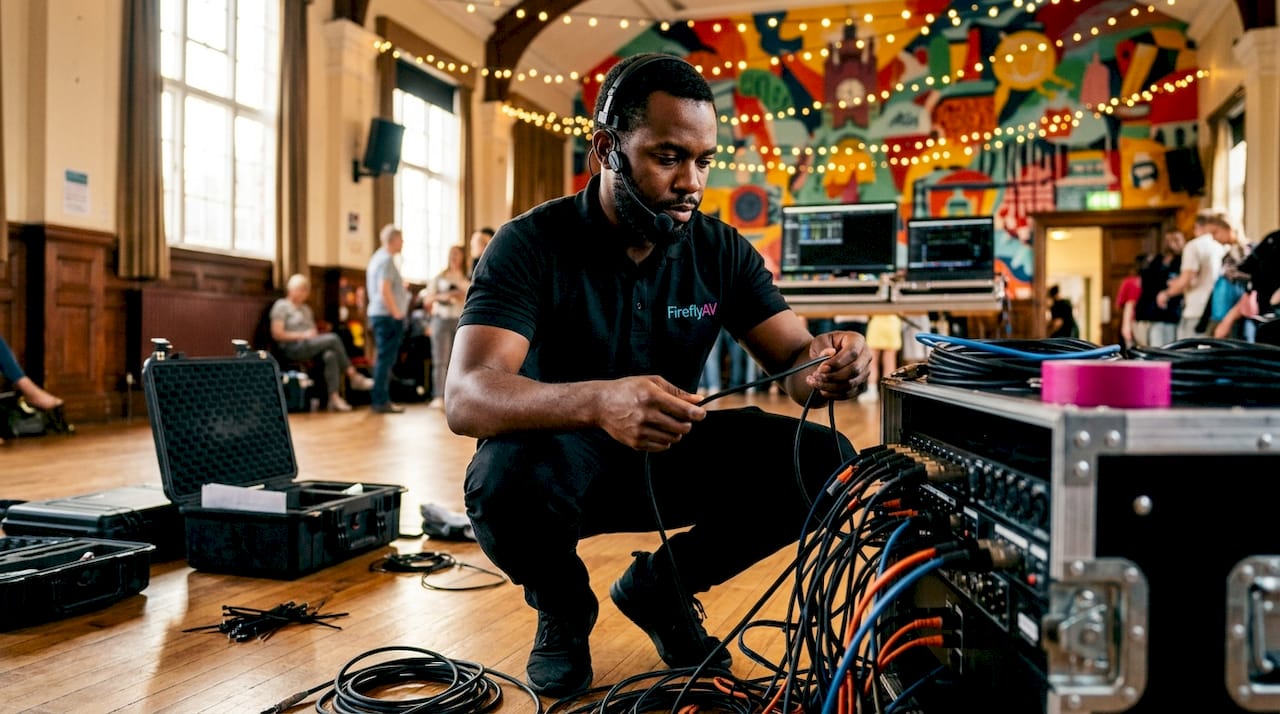
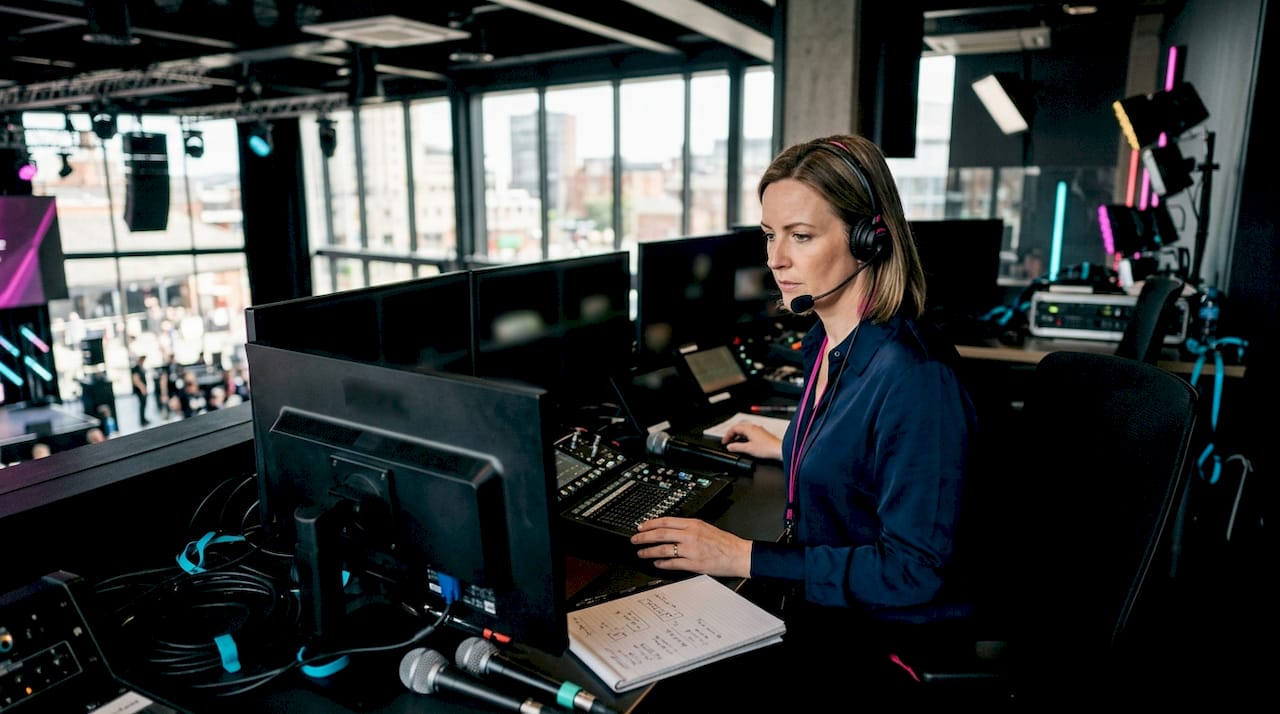
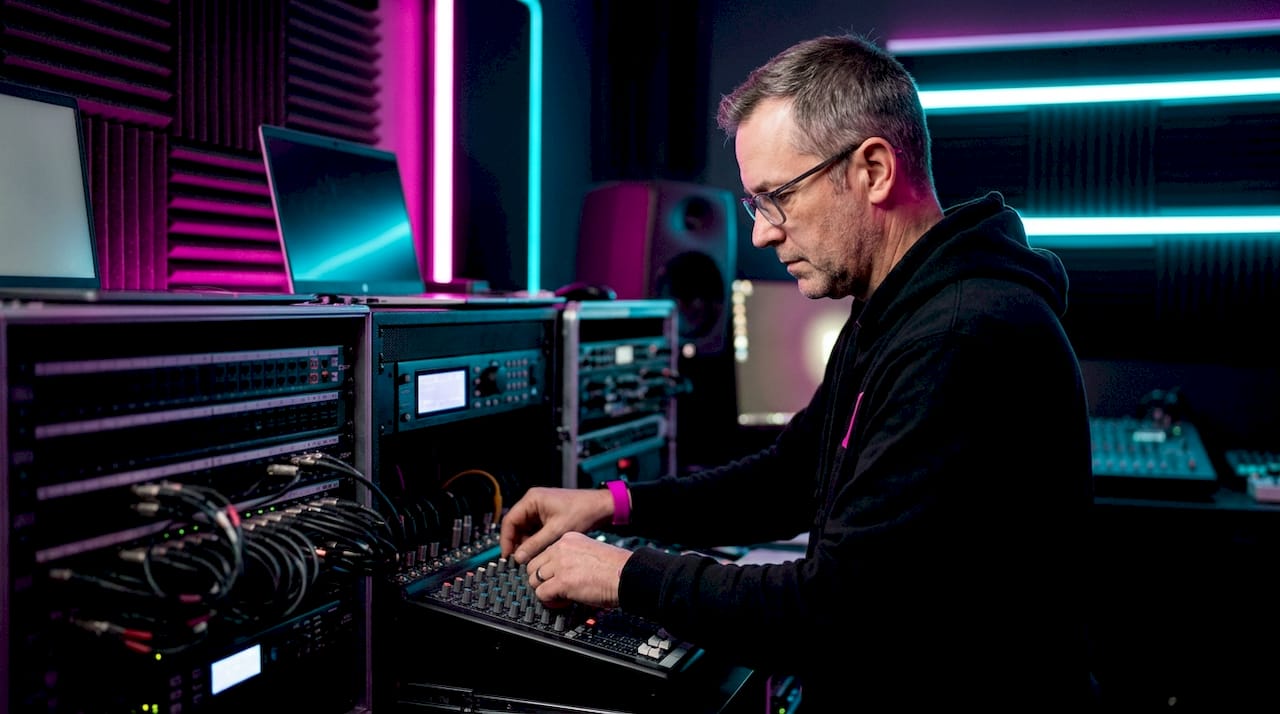
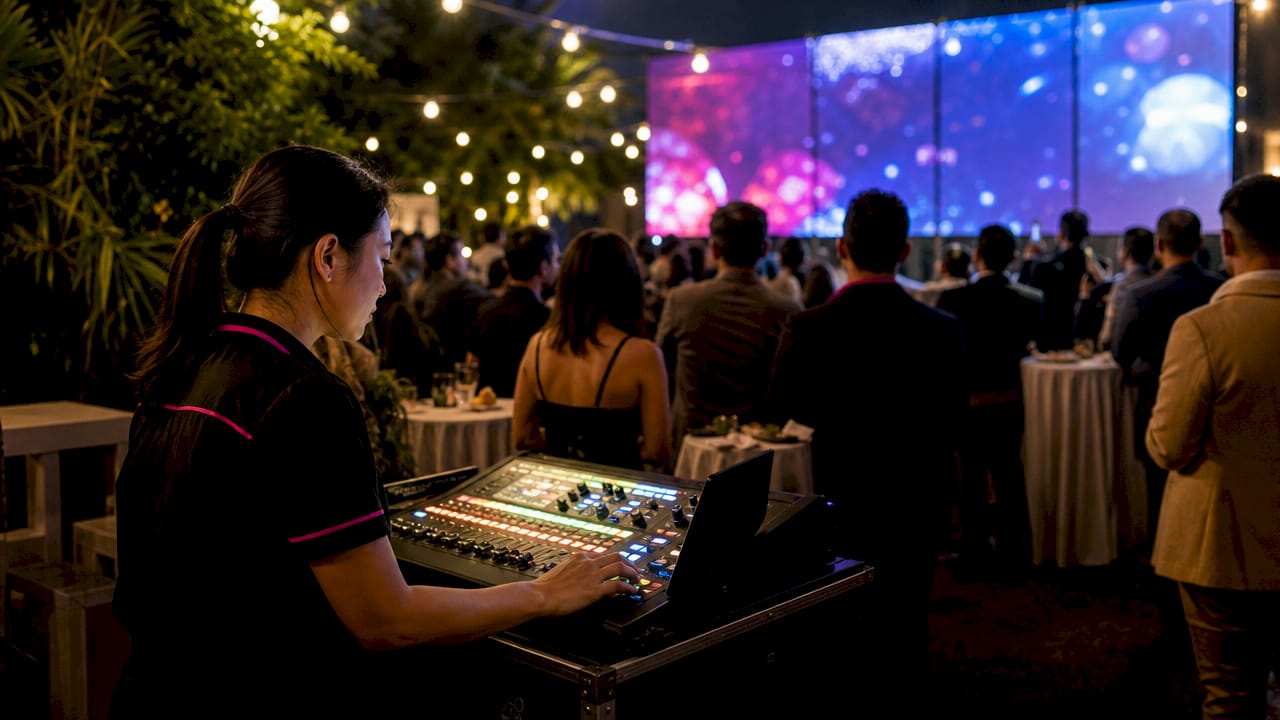
A general AV technician, handling basic setup, cabling and onsite troubleshooting, typically costs £150 to £250 a day. Sound engineers running front-of-house mixing on something like an Allen & Heath console usually sit in the £200 to £350 range, with complex multi-act shows pushing towards the top of that band. Lighting technicians programming and operating rigs fall in a similar £180 to £320 bracket, depending on whether the brief is a simple wash or a fully programmed show. Video or vision operators, especially those running LED wall content on an Absen screen or switching multiple camera feeds, often sit at £200 to £380.
- General AV technician: typically around the lower end of technician day rates for setup, cabling and basic troubleshooting.
- Sound engineer: mid-range day rates reflecting their role, higher for live mixing on complex shows.
- Lighting technician: day rates vary with programming complexity.
- Video or vision operator: day rates correspond to the complexity of camera switching and LED content playback.
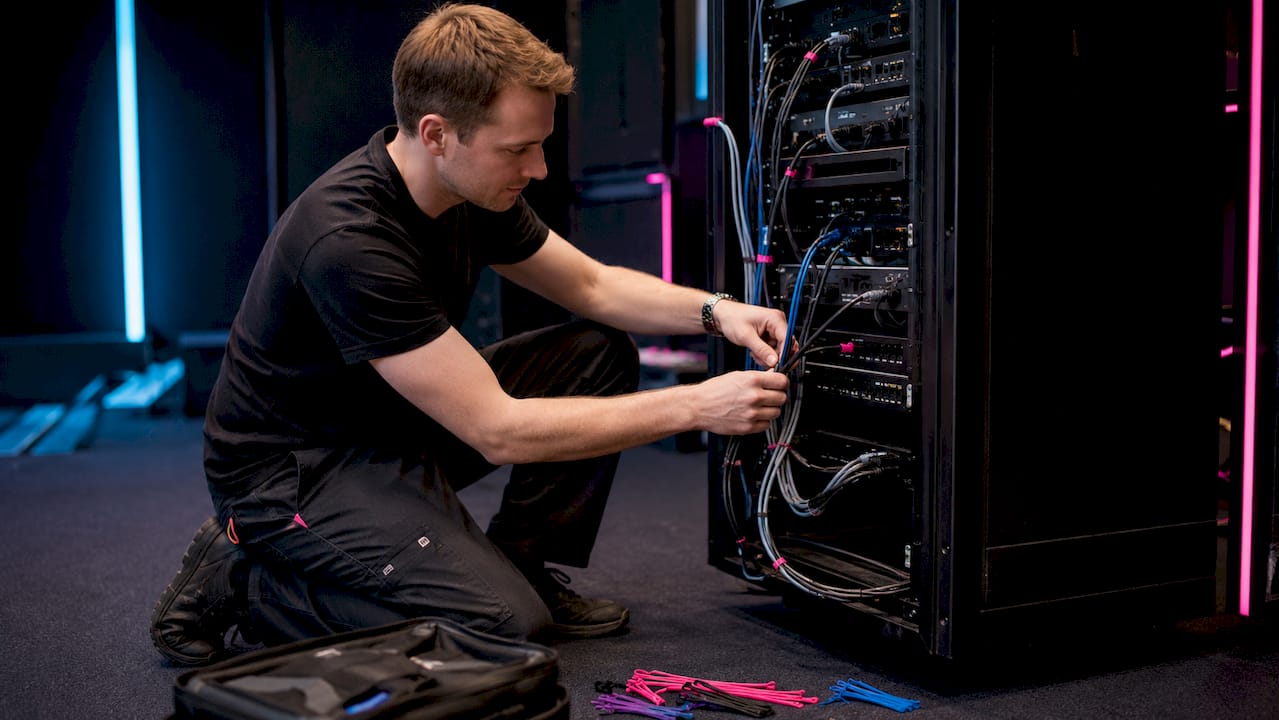
- Commissioning or control-systems engineer: usually at the top end of the day rate range for show control and integration work.
Commissioning engineers and control-systems programmers command the top of the market because their work carries the most risk: a misconfigured show control system or a badly commissioned hybrid stream fails in front of an audience, not quietly behind the scenes. Regional pricing also matters. London and premier venues typically add a premium over Leeds, Manchester or Preston rates, driven by higher venue day rates, parking and travel costs, and tighter crew availability. PLASA’s workforce and skills report points to broader sector pressures that help explain why rates in high-demand regions and periods sit above the baseline.
What does a day rate include, and what counts as an extra?
A day rate quote should spell out exactly what’s covered before you sign off a booking, because the headline figure rarely tells the whole story.
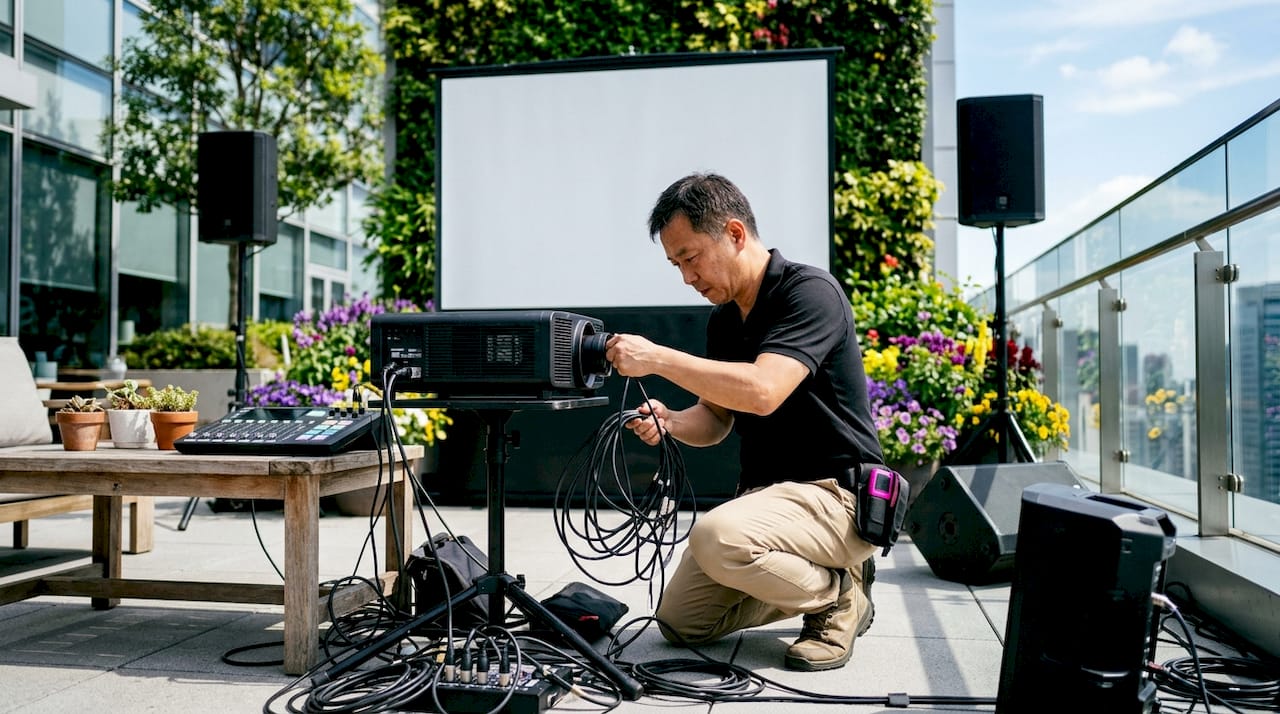
- Included as standard: attendance for an agreed shift length, basic setup and strike, onsite troubleshooting, and use of the technician’s own hand tools.
- Travel and subsistence: mileage or rail fare beyond a local radius, and overnight accommodation when the event runs late or starts early the next day.
- Overtime and standby: extra hours beyond the agreed call time, and standby fees if a technician is asked to remain on site without active work.
- Call-outs and specialist gear: emergency call-outs outside the booked window, plus test equipment or specialist kit hire when supplied directly by the crew rather than the main equipment order.
- Minimum charges: most suppliers bill a half-day or full-day minimum even for short bookings, so a two-hour job rarely costs less than a half-day rate.
Ask for these line items separately on any quote. A single bundled “day rate” figure with no breakdown makes it hard to spot where overtime or travel will add cost later.
What pushes day rates up, and how should you budget for it?
Several factors move the price beyond the baseline figures above, and most are predictable enough to build into a budget upfront.
- Specialism and certification: technicians holding AVIXA CTS, Crestron CSP or a PLASA National Rigging Certificate typically charge more, reflecting training and the liability they carry on complex installs.
- Timing: weekend, bank holiday and overnight work commonly carries a premium over weekday rates, and most suppliers apply a minimum call-out regardless of how short the job is.
- Location: London and premier venues sit above regional rates; travel time and parking for city-centre venues add further cost.
- Availability and season: the PLASA workforce and skills report notes that a large share of the technical workforce works freelance, which tightens supply around peak event season and pushes rates up at short notice.
Pro Tip: Book your crew at least four to six weeks ahead of peak season (September to November and the Christmas party run) to avoid paying the premium that comes with last-minute freelance availability.
As a budgeting rule, we suggest adding a 15 to 20% contingency to your labour line for any event with evening, weekend or bank-holiday elements, on top of the base day rate you’ve quoted.
What safety standards affect staffing and cost?
UK regulation shapes who you’re legally able to put on a temporary electrical installation, and that affects both the crew you need and what they cost.
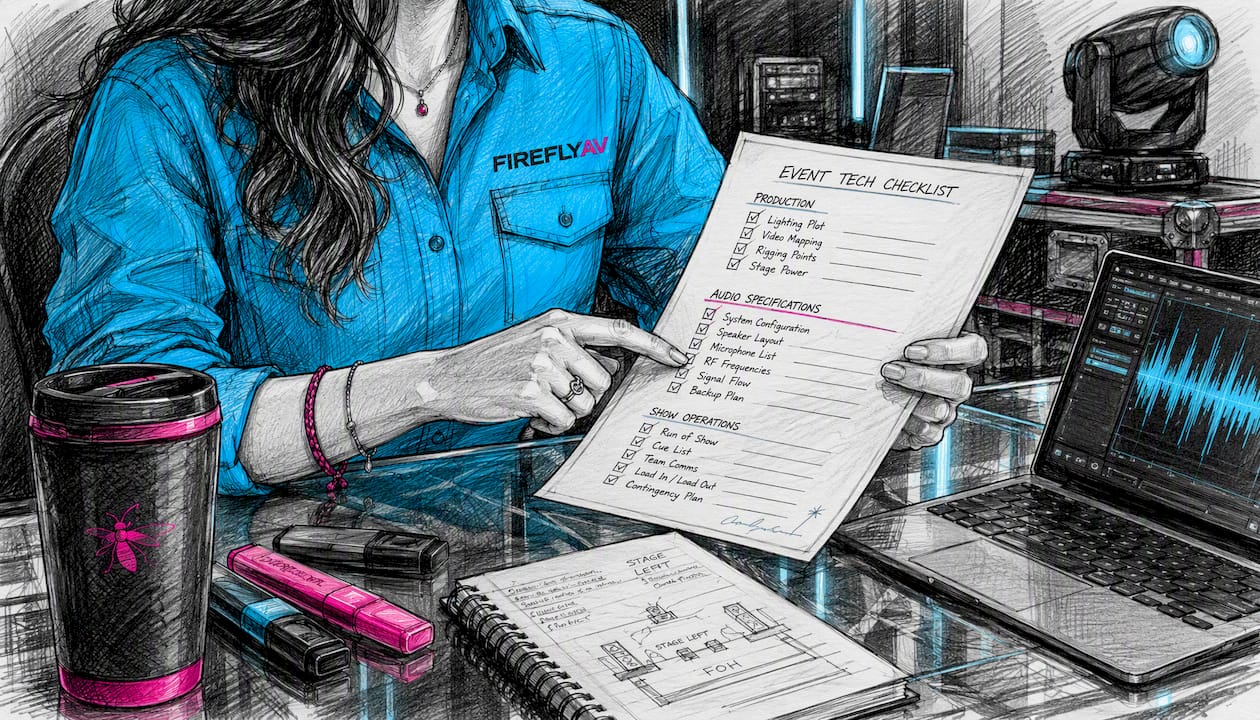
HSE Guidance Note GS50 sets out that organisers must use a competent electrical contractor for any electrical work at a place of entertainment, and must arrange competent installation when a generator is hired in. This isn’t optional paperwork: it determines whether the technician on site is qualified to touch the power infrastructure at all.
BS 7909 guidance goes further, requiring a named Senior Person Responsible (SPR) for any temporary electrical system, and makes clear that general contractor accreditation doesn’t automatically prove competence with temporary event power.
Before booking, ask your supplier to confirm:
- Who holds the SPR role for your event, and what their BS 7909 competence looks like.
- Whether risk assessments and method statements are available in advance, not on the day.
- That any generator supply has a named, competent installer, per GS50.
What do sample event budgets actually look like?
Three short scenarios show how these rates translate into a real labour line.
A small corporate meeting for 50 people, half a day, needs one general AV technician at roughly £150 to £200, often covering sound, a projector and microphones in one booking.
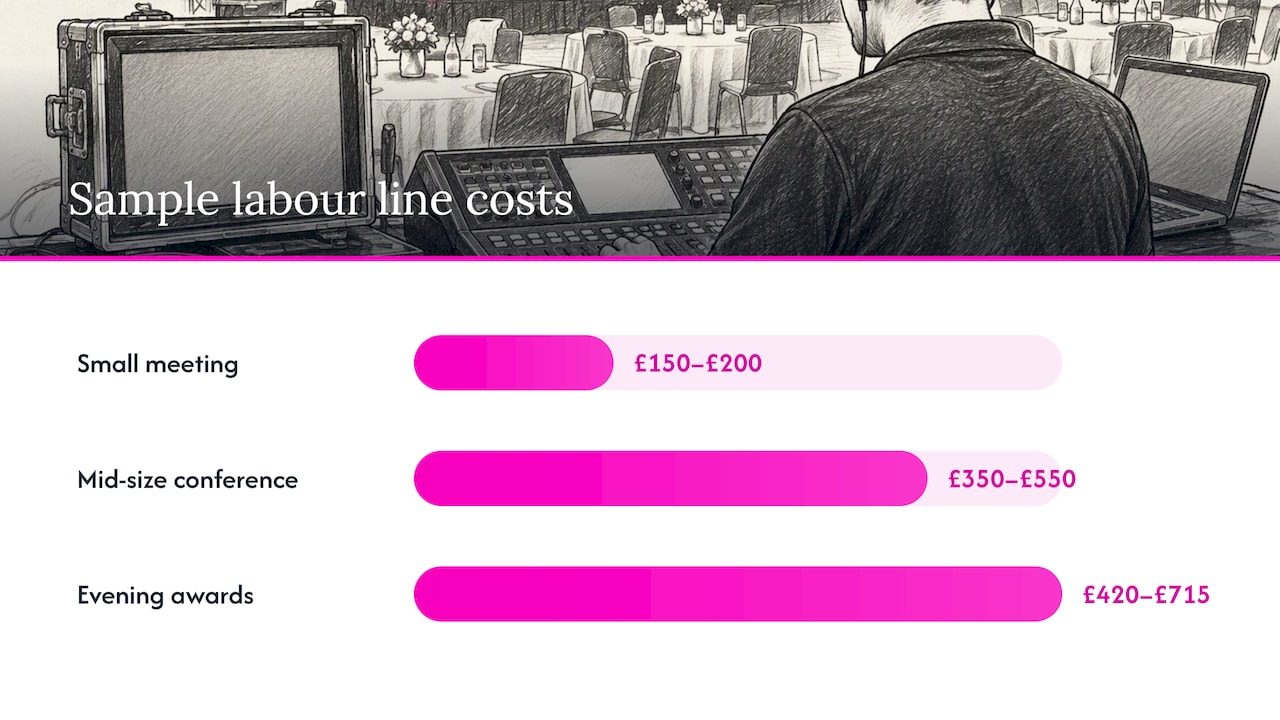
A mid-size conference running a full day with breakout rooms typically needs a lead technician plus a sound engineer, around £350 to £550 combined, rising further if a commissioning engineer is needed to integrate hybrid streaming or multiple screens.
Each scenario should also confirm PAT testing status and, where generators or temporary power are involved, SPR sign-off under BS 7909.
- Small meeting: one technician, half-day, around £150 to £200.
- Mid-size conference: lead technician plus sound engineer, around £350 to £550.
- Evening awards night: same crew plus overtime, typically 20 to 30% above the daytime figure.
What should you ask before booking a technician or supplier?
A short set of checks before you sign protects you from hidden costs and competence gaps later.
- Ask for proof of relevant certification (AVIXA CTS, Crestron CSP, or PLASA NRC for rigging work).
- Confirm public liability insurance and who holds the SPR role for any temporary power.
- Request a line-item quote separating the day rate from travel, overtime and standby.
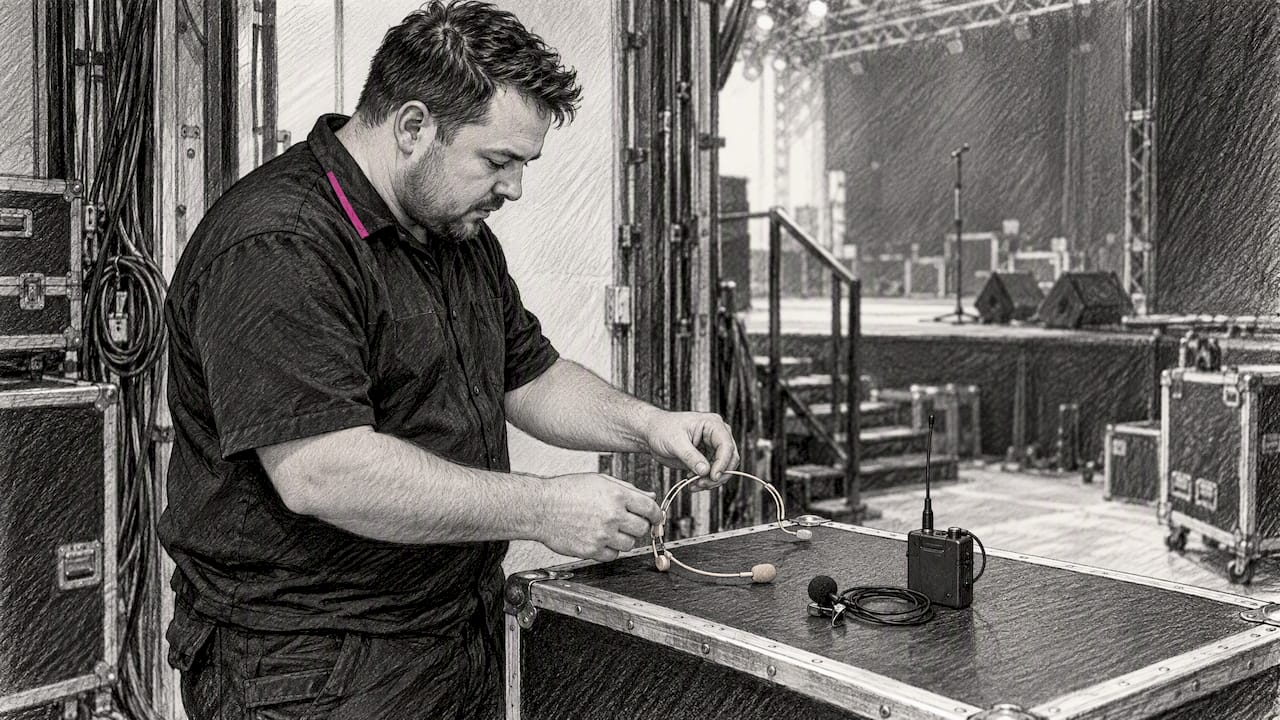
- Ask whether the named kit, such as Sennheiser microphones or Allen & Heath consoles, is owned or sub-hired.
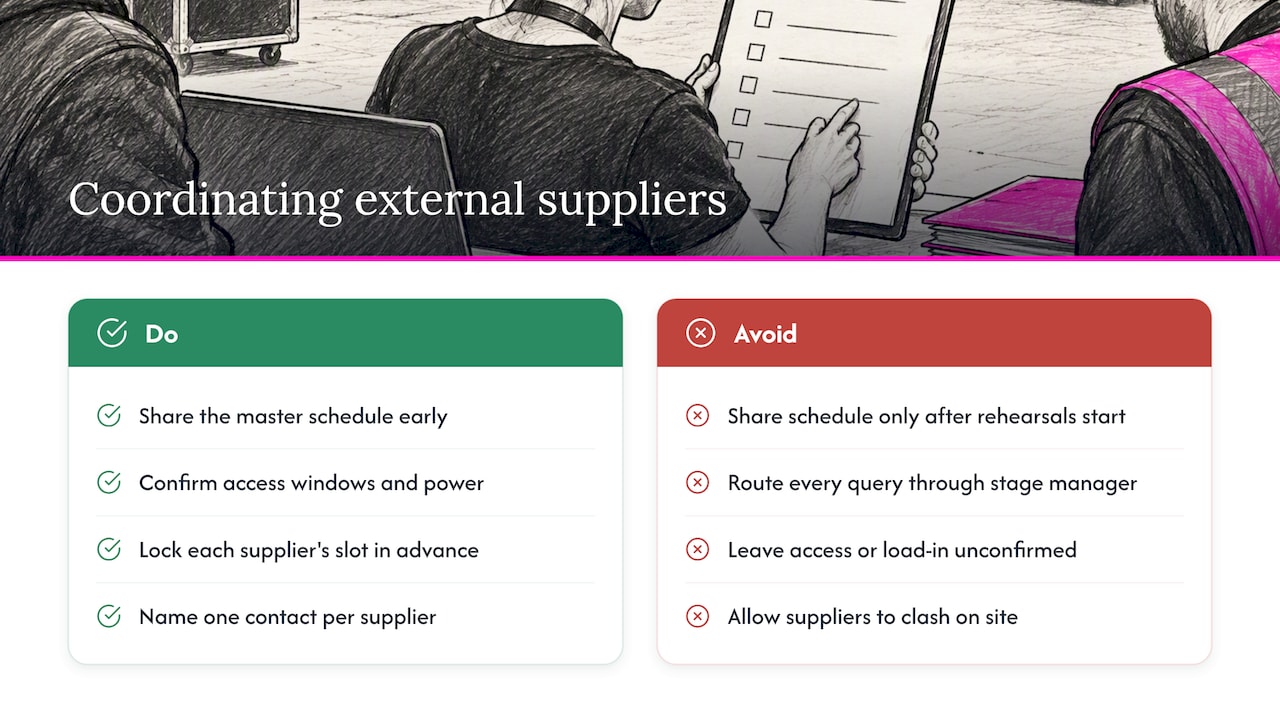
- Get a single point of contact confirmed for the event day, not a different person each shift.
A useful practical production budget breakdown sets out the kind of line-item structure worth requesting from any AV supplier.
How long does a technician’s day actually run?
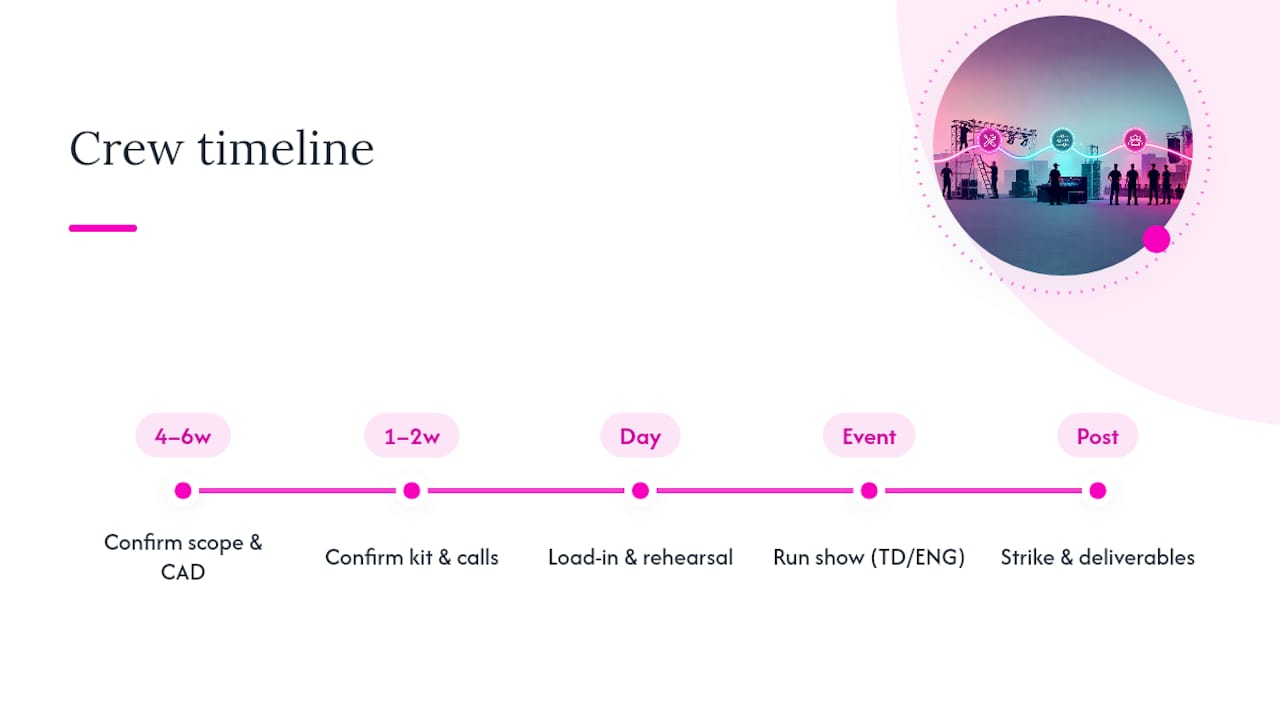
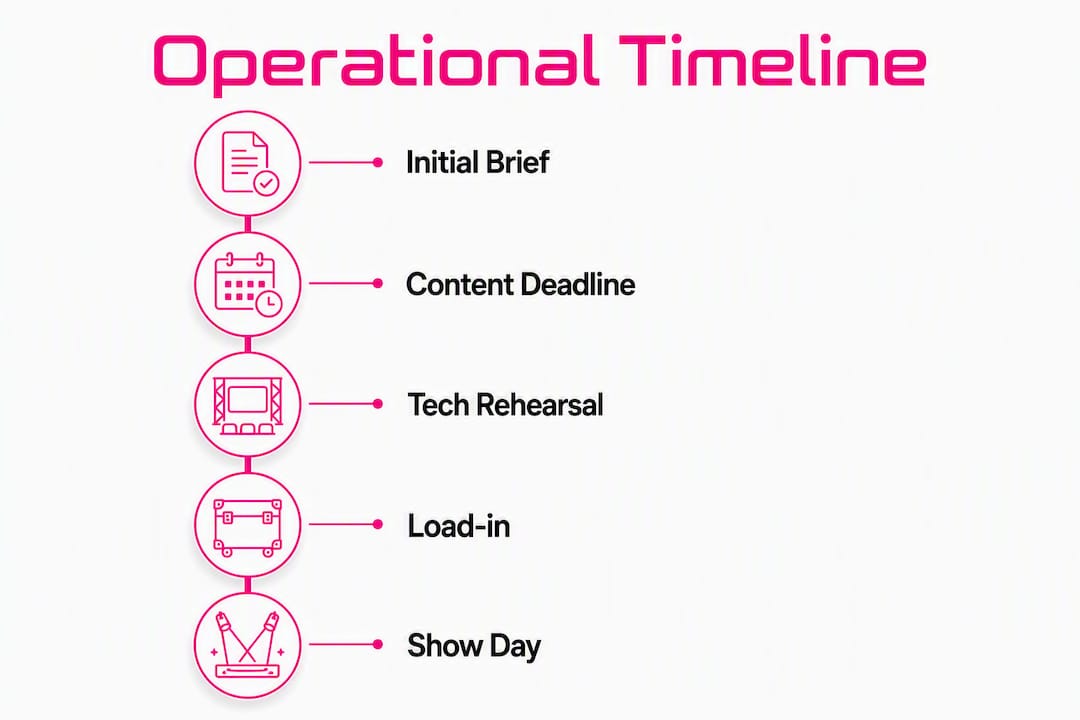
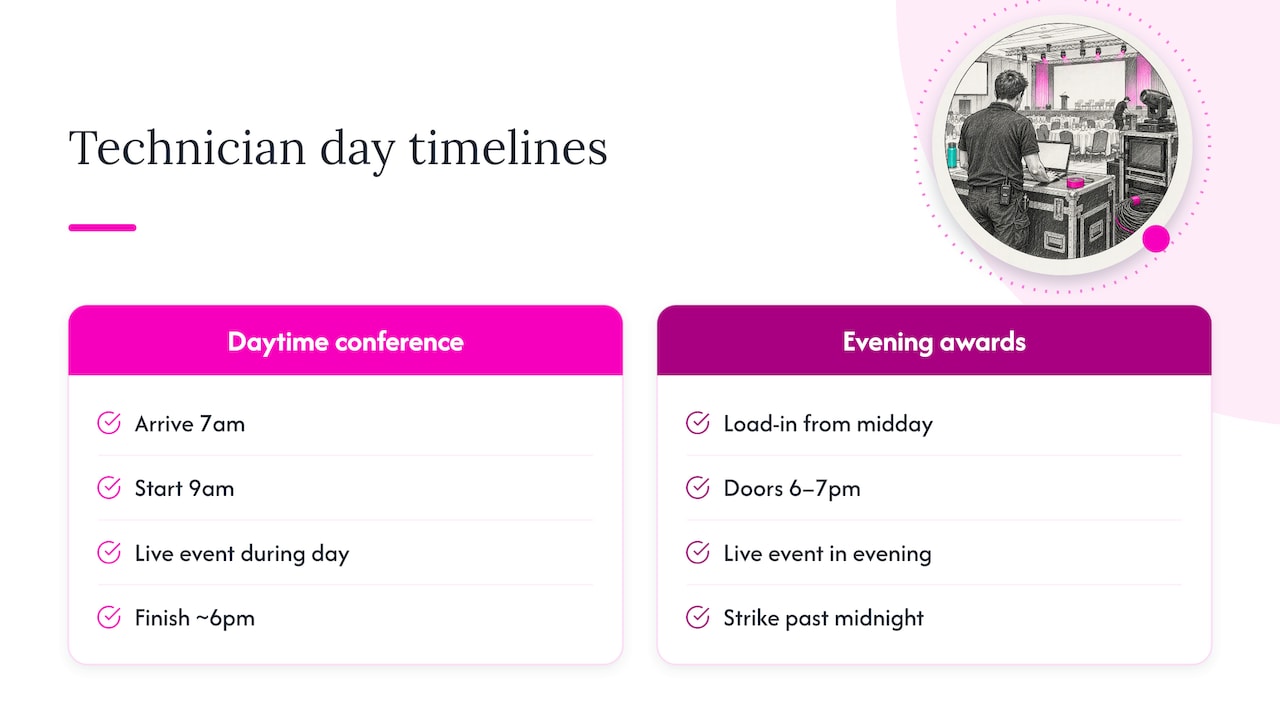
A typical UK event day for an AV technician runs 10 to 12 hours, covering load-in, setup, the live event itself, and strike, though the exact shape depends heavily on the booking.
For a daytime conference, a technician might arrive at 7am for an 9am start, work through the day with a short lunch break, and finish by 6pm once breakdown is complete. An evening awards dinner shifts that window later: load-in from midday, doors at 6pm or 7pm, and a strike that can run past midnight, which is where overtime and standby charges typically kick in.
Breaks are usually built into the call sheet rather than charged separately, but a technician working more than eight hours without a proper break is a fair question to raise with any supplier at the quoting stage. Multi-day events, such as exhibitions or conferences running over two or three days, often negotiate a day rate that covers standby across the full run rather than booking each day as a separate engagement, which can bring the effective daily cost down.
Confirm the exact call time, finish time and break structure on the booking confirmation itself, not just verbally, since this is where disputes over overtime most often start.
Day rate, hourly rate or fixed project price: which suits your event?
A day rate suits any booking where the technician’s time on site is hard to predict exactly, which covers most live events. It gives you cost certainty for the day regardless of small overruns within the agreed window, and it’s the standard structure for one-off conferences, product launches and awards nights.
An hourly rate makes more sense for short, well-defined jobs, such as a two-hour rehearsal check or a brief technical support call, where a full day’s minimum would overcharge you for the actual work involved. The trade-off is less predictability on longer bookings, since hourly costs can climb quickly once setup overruns.
A fixed project price works best for multi-day events or recurring bookings where the full scope, crew size and duration are known in advance. It shifts the risk of overruns onto the supplier rather than the client, which usually means the quoted figure sits slightly above the sum of individual day rates, as a trade for that certainty.
| Pricing model | Best suited to | Cost predictability |
|---|---|---|
| Day rate | One-off conferences, launches, awards nights | High for the booked day, variable with overtime |
| Hourly rate | Short jobs under half a day | Low on longer bookings |
| Fixed project price | Multi-day or recurring events | High across the full project |
For most single-day UK corporate events, a day rate with a clearly stated overtime band gives the simplest, most comparable figure across quotes.
What contract terms and cancellation policies should you expect?
Most UK AV suppliers quote day rates against a signed booking confirmation that sets out the date, crew, kit and payment terms, and it’s worth reading the cancellation clause before anything else.
Weather-dependent outdoor events should carry a specific clause covering postponement rather than outright cancellation, since rebooking the same crew is often easier than finding a new one at short notice.
Payment terms commonly sit at 14 to 30 days after the event, though a deposit on booking is standard for larger crews or multi-day engagements. Always confirm in writing what happens if the event overruns into a second day unexpectedly, since that’s one of the most common sources of disputed invoices.
How we think about technician pricing at Firefly AV
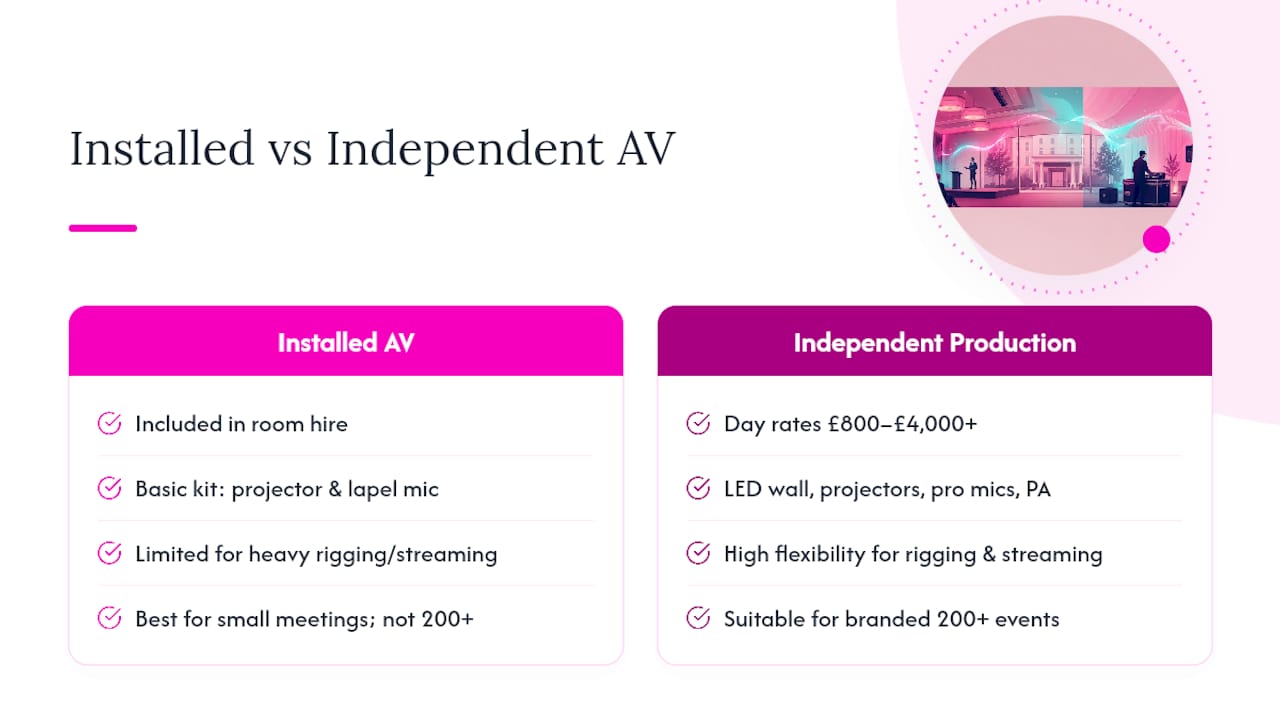
We work from bases in Leeds and Preston, delivering technicians and full crews UK-wide, and own core inventory rather than relying on third-party subcontractors for the kit we quote. That ownership means the LED wall, microphones or consoles a client is quoted for are the kit that turns up, run by a technician who knows it.
We also aim to keep the same project manager and crew from initial planning through to delivery wherever possible, reducing the risk of handover issues between unfamiliar staff.
— Michael
How do you book a technician through Firefly AV?
We supply AV equipment hire, technical support and full event production, including technicians and project managers, from our Leeds and Preston bases, working UK-wide. If you need a day-rate quote, we can put together a line-item breakdown covering the roles, kit and timings your event actually needs.
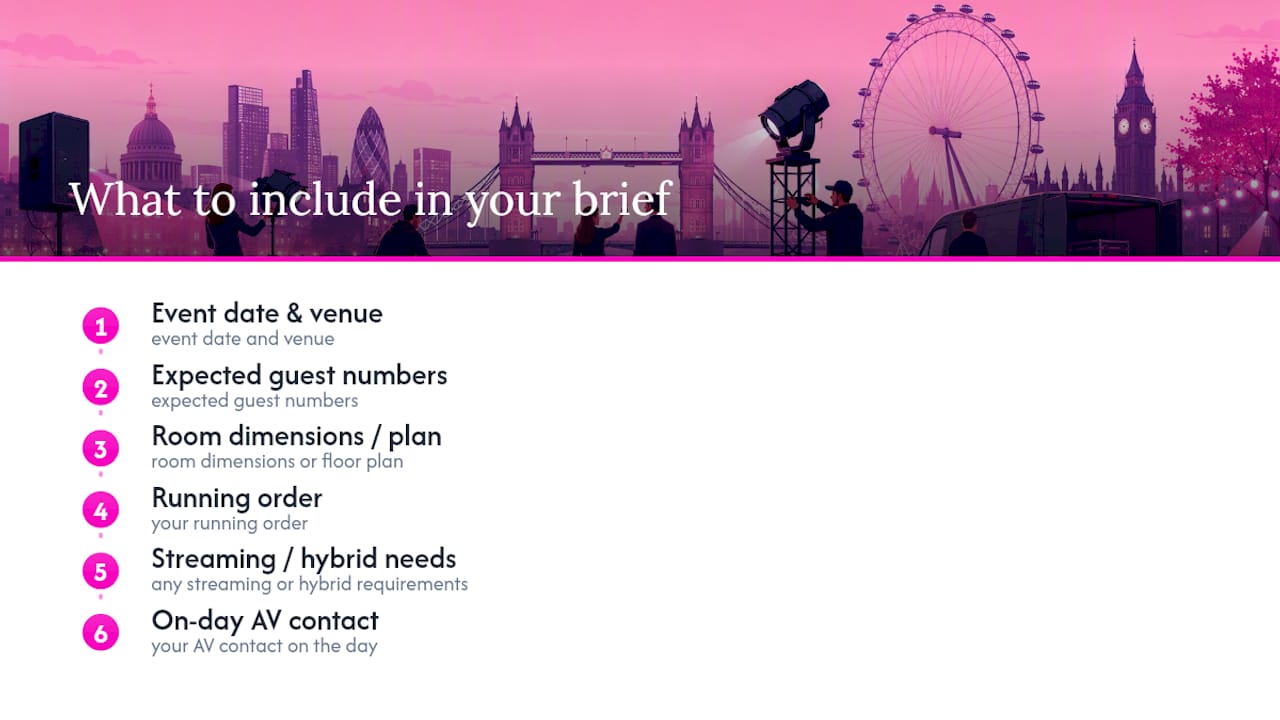
To get an accurate quote, send us:
- Your event date, venue and expected timings, including load-in and strike.
- The kit you expect to need, such as LED wall, PA, lighting or staging.
- Whether you need an SPR appointed for temporary power under BS 7909.
Get in touch through our event production services page, or browse our equipment hire range alongside your technician booking.
FAQ
What is a reasonable day rate for an AV technician in the UK?
A reasonable day rate for a general AV technician in the UK typically falls between £150 and £250, while specialists such as sound engineers, lighting technicians and commissioning engineers often charge £200 to £380 depending on complexity and location. London and premier venues tend to sit above regional rates.
Does the day rate include travel and overtime?
A day rate usually covers attendance, setup and basic troubleshooting within an agreed shift length, but travel beyond a local radius, overnight accommodation and overtime are commonly billed separately. Always ask for a line-item quote so these extras are clear before you book.
Who needs to sign off temporary power at an event?
Under BS 7909 guidance, events using temporary electrical systems need a named Senior Person Responsible to oversee competence and safety, and HSE Guidance GS50 requires a competent electrical contractor for any electrical work, including hired generators.
Why are commissioning engineers more expensive than general technicians?
Commissioning engineers and control-systems programmers carry higher day rates because their certifications and experience reduce the risk of show control or hybrid streaming failures on complex events, a risk that general technicians aren’t trained to manage.
Can Firefly AV supply technicians alongside equipment hire?
Yes, we supply technicians and project managers alongside equipment hire and event production services from our Leeds and Preston bases, working across the UK. Get in touch through our services page with your event date and kit requirements for a line-item quote.
Sources
- Electrical safety at places of entertainment: Guidance Note GS50 (HSE)
- BS 7909 guidance: temporary electrical systems in the entertainment industry
- PLASA workforce and skills report 2024
Recommended
"£150–£380 a Day: AV Technician Rates UK Event Planners Need
2/10/2026