Brompton XD: which Tessera unit and where to hire it
Date added: 2/08/2026
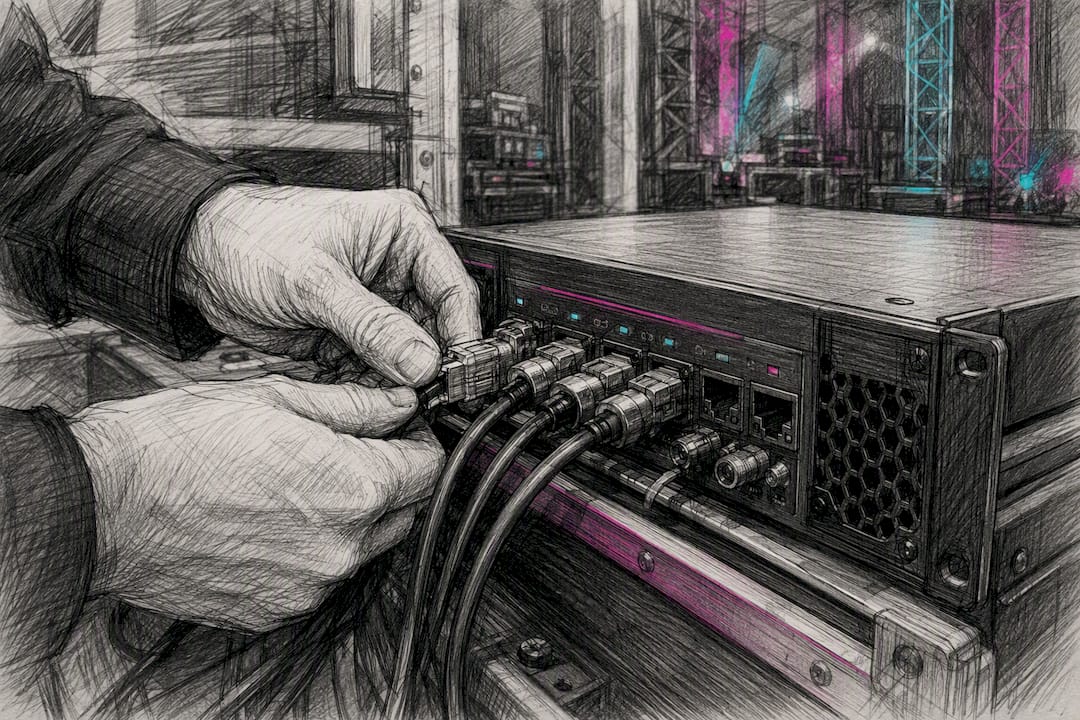
For large touring LED rigs, specify the Brompton Tessera XD; for compact or space-constrained installs, the Brompton Tessera XD-S is the better fit. Firefly AV, an AV hire and event production company with bases in Leeds and Preston, supplies and hires both units UK-wide, as dry hire or with technicians.
Both units share the same core job: taking a single 10G trunk and multiplexing it down to multiple 1G outputs, cutting the home-run cabling a large LED wall would otherwise need. Each connects automatically to a Tessera SX40 processor with no manual switch configuration.
Two facts settle most buying decisions on the spot:
- The full-size XD gives you multiple 1G outputs and accepts either copper or single-mode fibre 10G trunk inputs.
- Daisy-chaining lets you link a run of units off one trunk, though the shared bandwidth needs checking against your pixel budget before showtime.
Key Takeaways
Choosing between the Brompton Tessera XD and XD-S comes down to port count against footprint, and Firefly AV supplies or hires either from its Leeds and Preston depots.
| Point | Details |
|---|---|
| Model choice | Pick the full XD for large multi-screen rigs; pick the XD-S for compact, space-constrained installs. |
| Fibre requirement | Trunk inputs must use single-mode fibre at 1310nm, not multimode, to avoid signal mismatch. |
| Bandwidth budgeting | Daisy-chained units share one 10G trunk, so total pixel demand must be checked before rig day. |
| SFP compatibility | An XD-S behind an SX40 supports only ten of its twelve ports and may need 10GBase-LR SFP+ modules. |
| Firefly AV supply | Firefly AV hires both units as dry hire or technicianed hire from its Leeds and Preston depots UK-wide. |
Table of Contents
- Brompton Tessera XD vs XD-S: what actually differs?
- What are the key technical specs you need to confirm?
- How do you avoid on-site problems with XD units?
- Should you buy or hire a Brompton Tessera XD?
- How do you hire a Brompton XD in the UK?
- Why does supplier experience matter for LED distribution kit?
- A UK supplier’s honest view on Brompton XD hire
- Need Brompton XD or XD-S for an upcoming event?
- Sources
- FAQ
Brompton Tessera XD vs XD-S: what actually differs?
The headline difference is port count against footprint. The XD is a full 2U rack unit with multiple 1G Tessera Protocol outputs. The XD-S squeezes a higher number of 1G outputs into a half-rack, 1U chassis, trading some processor compatibility for a smaller road case footprint.
That trade-off matters more than the spec sheet suggests. When an XD-S runs behind an SX40, only the first ten of its twelve ports are supported, and you may need 10GBase-LR SFP+ modules to make the link work. That is not a footnote. It is the sort of detail that catches out a rigger who has only ever worked with the standard XD.
| Feature | Brompton Tessera XD | Brompton Tessera XD-S |
|---|---|---|
| Form factor / weight | Full 2U rack chassis | Half-rack, 1U high |
| 10G inputs | Copper and single-mode fibre | Copper and single-mode fibre (SFP+ dependent) |
| 1G outputs | 10 ports, approx. 525K pixels per port at 8bpc, 60Hz | 12 ports (10 supported with SX40) |
| Mounting | 19" rack, M12 truss holes | Half-rack shelf, compact rigging |
| Best for | Large-scale touring, multi-screen arrays with a central SX40 | Compact installs, space-constrained trucks and trusses |
| Warranty / certifications | CE marked, manufacturer standard warranty | CE marked, manufacturer standard warranty |
For a festival mainstage running several screens off one processor, the full XD is the obvious pick, since its port count matches large pixel budgets without forcing a second chain. For a corporate stage set with one or two screens and limited road space, the XD-S earns its keep purely on size. Both units auto-configure with the SX40 and both support daisy-chaining further units off the same trunk, so neither forces you into a rigid single-unit topology.
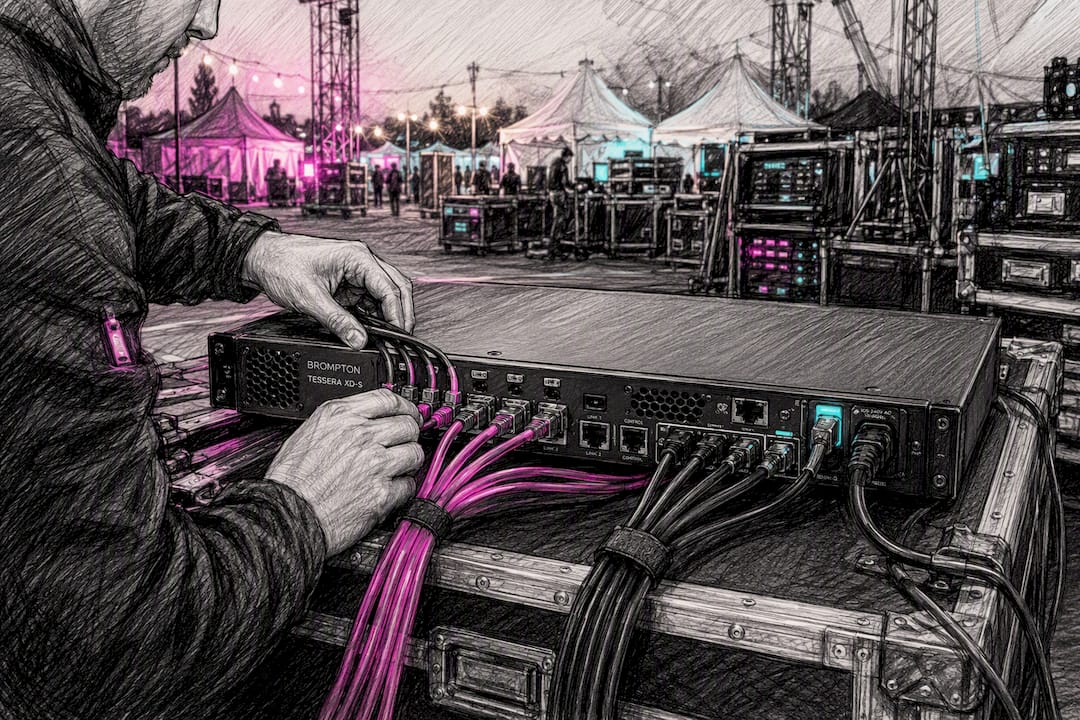
What are the key technical specs you need to confirm?
Get these numbers wrong on a tech rider and you find out on site, not in the office.
- Copper trunk limits: standard Cat6A or Cat5e cabling carries the 10G input, but run lengths shrink fast beyond structured cabling distances, so fibre is the safer call for anything longer than a truss run.
- Fibre spec: single-mode only, 1310nm at 9/125µm, rated to 2 km. Multimode fibre will not work, and it is one of the most common rental returns.
- Pixel capacity per port: roughly 525K pixels per 1G output at 8bpc and 60Hz. Push the bit depth or frame rate higher and that capacity drops, so budget conservatively if a show calls for 10bpc content.
- Power: an autoranging 100 to 240V PSU with locking PowerCON TRUE1 connectors, including a through-connection for daisy-chaining power between units.
- Cooling and connectors: forced-air cooling with replaceable filters, plus Neutrik etherCON and opticalCON DUO connectors built for road use rather than office server rooms.
Pro Tip: A capacitive touch status screen on the front panel shows link status and faults at a glance. Check it during rig, not during doors, because it is the fastest way to catch a mismatched SFP before the audience sees it.
The distinction that matters most here is what the XD is not. It is not a managed network switch with Brompton’s badge on it. It is a purpose-built distribution unit that maintains timing precision across the whole signal chain, which is why generic IT switches make a poor substitute even when the port count matches.
How do you avoid on-site problems with XD units?
Most XD problems trace back to three things: the wrong fibre type, an under-budgeted daisy-chain, or a mounting plan drawn up without the M12 holes in mind.
- Check truss mounting early. The M12 holes accept half-couplers, letting you skip a bulky rack shelf on a truss rig entirely. Confirm load ratings with your rigger before the get-in, not during it.
- Budget the shared trunk bandwidth. When daisy-chaining several XDs off one 10G link, treat that trunk as a single finite resource. Add headroom if any screen in the chain runs higher bit depth or frame rate than the rest.
- Match fibre and SFP types precisely. Single-mode only on the trunk input, and if an XD-S sits behind an SX40, confirm whether 10GBase-LR SFP+ modules are needed before the truck leaves the depot.
- Pack spares that matter. Dust filters clog on outdoor and marquee gigs faster than most crews expect; carry replacements plus a spare etherCON and opticalCON lead in the flight case.
Rack-mounted runs benefit from active cooling in the case itself, particularly on long touring schedules. A 1U rack fan tray alongside the XD keeps internal case temperatures down on multi-day festival runs where the unit’s own filters are working overtime.
Should you buy or hire a Brompton Tessera XD?
Capital purchase suits companies running the same rig repeatedly across a season. For a one-off conference, product launch or single tour date, hire almost always wins on cost and flexibility.
Work through this before requesting a quote:
- How many event days, and does the schedule justify owning the hardware outright?
- What is the total pixel budget across all screens, and how many home runs does that translate to?
- Who handles transport, storage and insurance between shows?
- Does the crew need a technician on-site, or is dry hire sufficient for an experienced in-house team?
When you do ask suppliers for quotes, push on specifics: which SFP modules are supplied, whether fibre cleaning kits and spares are included, the firmware version policy, and lead time on replacement units if something fails mid-tour. UK technician day rates and dry-hire pricing vary with transport distance and whether emergency spares are held on standby, so ask for those cost drivers to be itemised rather than bundled.
How do you hire a Brompton XD in the UK?
UK supply generally comes from two directions: manufacturer-authorised distributors selling new units, and specialist rental houses stocking XD and XD-S for short-term production work.
Firefly AV falls into the second category, supplying and hiring Brompton XD and XD-S as dry hire on a standard two-day hire week, or with a technician for full project production, from depots in Leeds and Preston covering clients across the UK.
A proper quote should itemise:
- Unit count and model (XD versus XD-S) against your pixel budget
- Transport to and from site
- Technician day rate if crewed hire is required
- Insurance and spares cover for the hire period
Pro Tip: Ask any supplier whether spare SFP modules travel with the kit as standard. A blown SFP with no spare on the truck can stall an entire LED wall’s data feed until a replacement arrives.
| Point | Details |
|---|---|
| Hire model | Dry hire runs on a two-day hire week; technicianed hire adds crew for setup and show support. |
| Depot coverage | Leeds and Preston depots serve clients UK-wide for LED distribution hire. |
| Quote contents | Unit count, transport, technician rate, insurance and spares should all be itemised separately. |
Why does supplier experience matter for LED distribution kit?
Firefly AV works from Leeds and Preston depots across the UK, covering conferences, product launches, exhibitions and broadcast work for clients including the BBC, Leeds City Council and JCT600. That range of work means the equipment list runs wider than just distribution units.
- Absen LED M2.9 Pro panels for screens paired with Brompton processing and XD distribution.
- Birddog cameras and Allen & Heath consoles for shows combining vision and live sound.
- Dry hire or technicianed options depending on whether a crew needs support on-site or just the kit.
A UK supplier’s honest view on Brompton XD hire
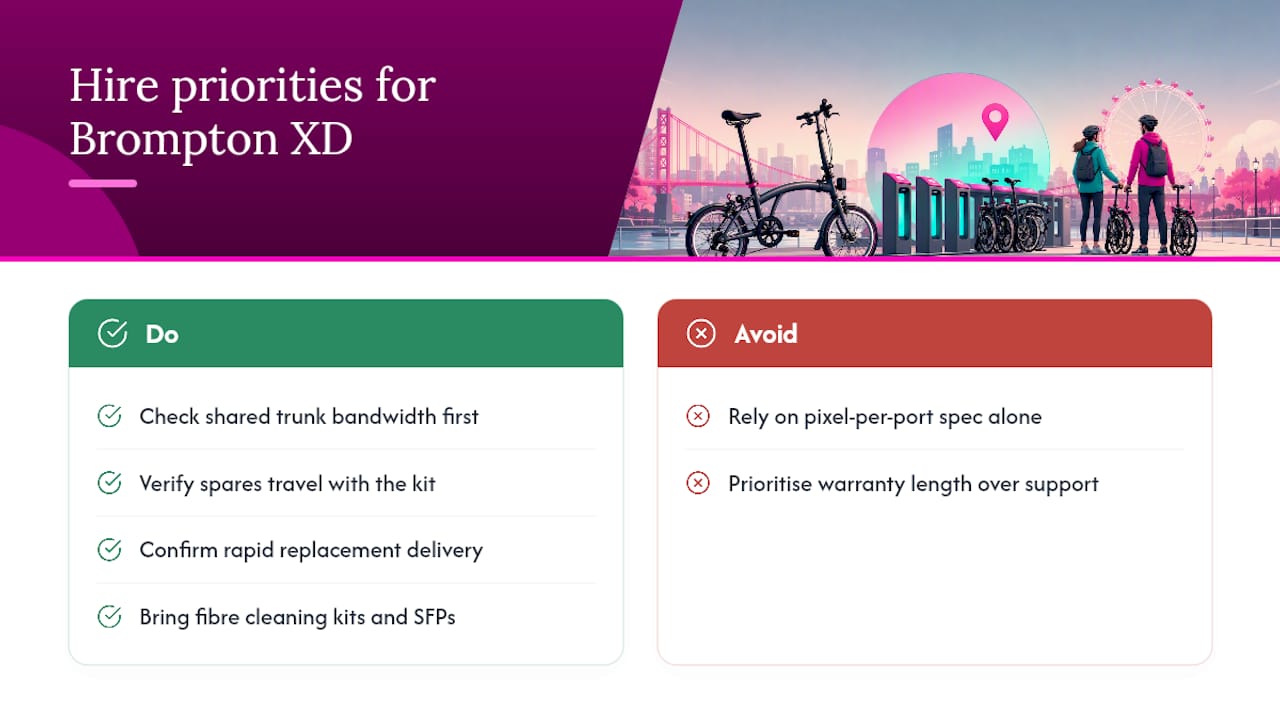
Most articles on distribution hardware stop at the spec sheet, as if a pixel-per-port figure tells you everything you need to know about running the kit on a real site. It doesn’t. The number that actually causes problems on tour is the shared trunk bandwidth, and it gets far less attention than the headline port count.
Crews plan pixel budgets per screen and forget the trunk is a single finite pipe once units are daisy-chained. That is where shows lose signal margin, not in the spec they quoted on the rider.
The other overrated detail is warranty length. Every unit on the market carries a broadly similar manufacturer warranty, so it tells you almost nothing about how a supplier will actually support you mid-tour. What matters is whether spare SFP modules and fibre cleaning kits travel with the kit, and whether a replacement unit can reach a venue within hours rather than days. That is the difference between a stalled screen and a show that carries on.
If you take one thing from this, prioritise the bandwidth check and the spares policy over the datasheet comparison. The hardware is well engineered either way.
Need Brompton XD or XD-S for an upcoming event?
Firefly AV supplies and hires Brompton Tessera XD and XD-S from Leeds and Preston, with the option to add a technician rather than leave a dry-hire crew to troubleshoot fibre mismatches alone on site. That local depot coverage means faster turnaround on replacement units and spares than sourcing from a distributor with no UK service presence.
Whether you need a single XD for a compact conference stage or a chained run for a multi-screen touring rig, get a straightforward quote covering unit count, transport and technician time. Explore AV equipment hire and get a costed quote for your event dates.
Sources
- Tessera XD – Data Distribution Unit
FAQ
What is the Brompton Tessera XD used for?
It distributes a 10G data trunk down to multiple 1G outputs feeding LED processing, cutting the number of long cable runs needed on a large screen build.
What is the difference between XD and XD-S?
The XD is a full 2U rack unit with ten 1G outputs built for large multi-screen rigs; the XD-S is a compact half-rack unit with twelve ports, of which only ten are supported when paired with an SX40.
Can you daisy-chain Brompton XD units?
Yes, multiple XDs can be linked off one 10G trunk, but the bandwidth is shared across the chain, so pixel budgets need checking before the rig goes up.
Does Firefly AV hire Brompton XD units?
Firefly AV hires both the Tessera XD and XD-S as dry hire or with a technician from its Leeds and Preston depots, covering clients across the UK.
Does the XD work with copper cabling or only fibre?
Both: the trunk input accepts copper 10G or single-mode fibre at 1310nm, 9/125µm, rated to 2 km, though fibre is the safer choice for longer runs.